
iPhone Gets Hot While Charging — Why One Spot Feels Hot
Introduction iPhone gets hot while charging becomes noticeable when one part of the phone feels hotter than the rest. The
Troubleshooting focuses on iOS issues where a failure has already occurred.
A restore does not start.
An update stops.
A feature refuses to activate.
These articles begin after something has failed.
They help determine whether the issue is still recoverable
or whether the process has already reached a closed state.
Troubleshooting is not about repeating the same steps.
It exists to identify where the process stopped
and whether further user action can still change the outcome.
If recovery is no longer possible,
the article states that clearly.
Introduction iPhone gets hot while charging becomes noticeable when one part of the phone feels hotter than the rest. The
Introduction ──────────────────── Your iPhone starts feeling too hot even when no warning appears on the screen. The battery percentage still
Introduction ──────────────────── Your iPhone uses a USB-C cable, but the battery still rises slowly. That feels wrong because the newer
Introduction ──────────────────── You update the iPhone and expect charging to feel the same as before. The charger still works. The
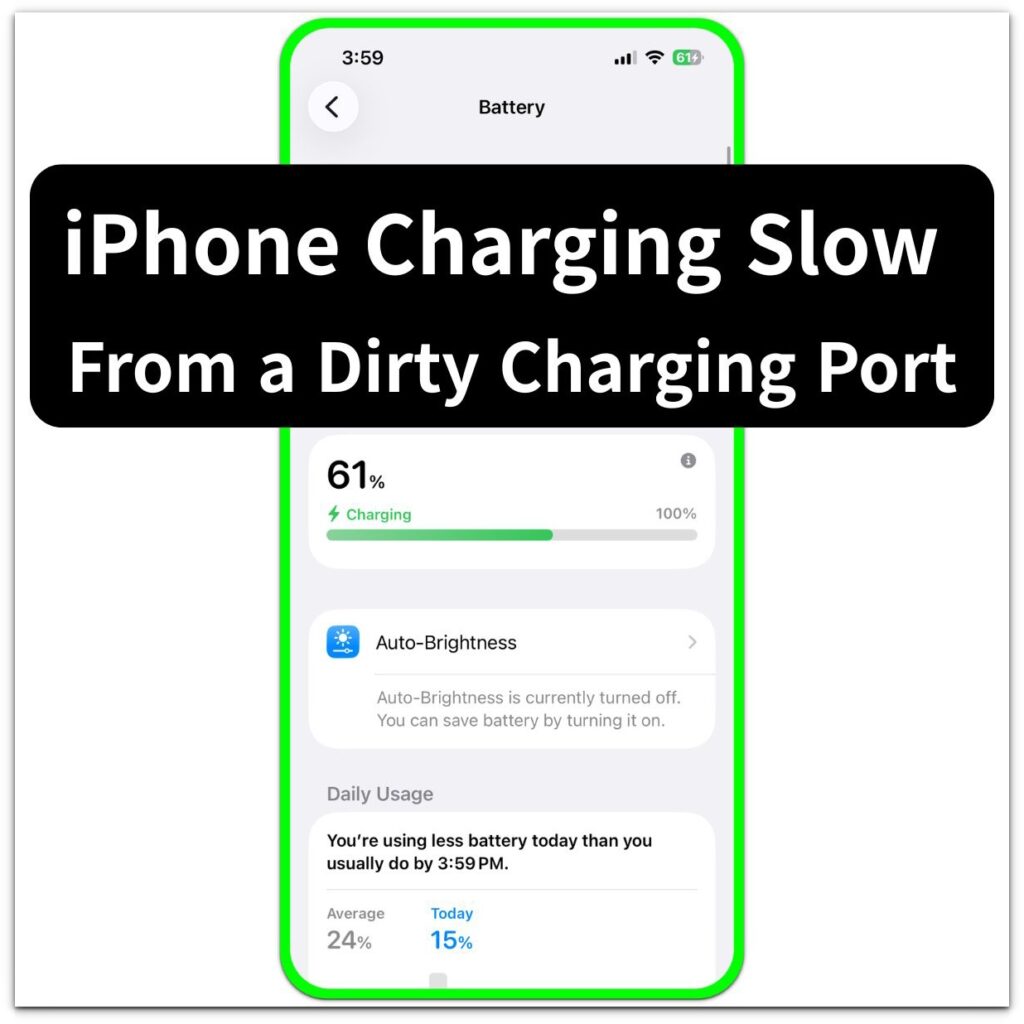
Introduction ──────────────────── You plug in the iPhone, see the charging icon, and expect the battery to move normally. A few
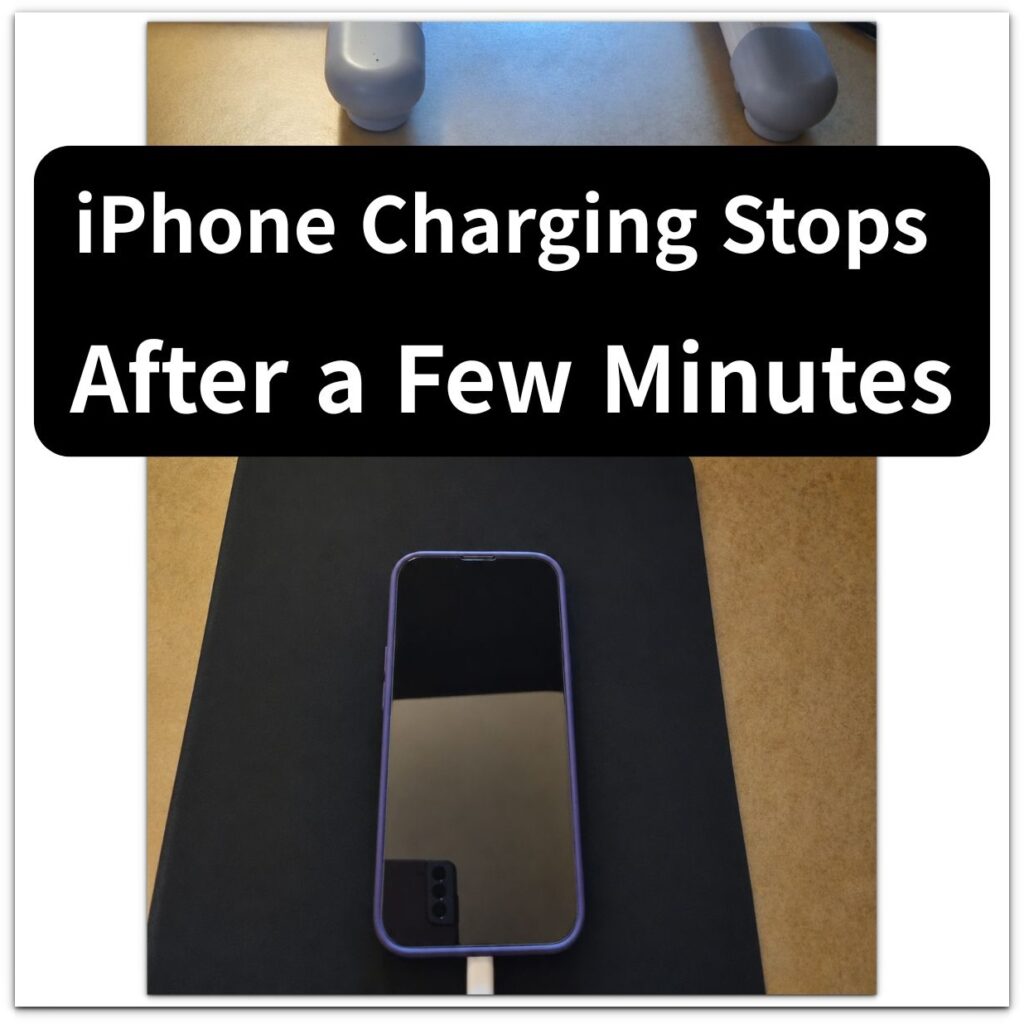
Introduction ──────────────────── You plug in the iPhone, see the charging icon, and think the battery should start moving. A few
Introduction ──────────────────── iPhone shows charging but not charging is frustrating when the charging icon appears, but the battery percentage barely
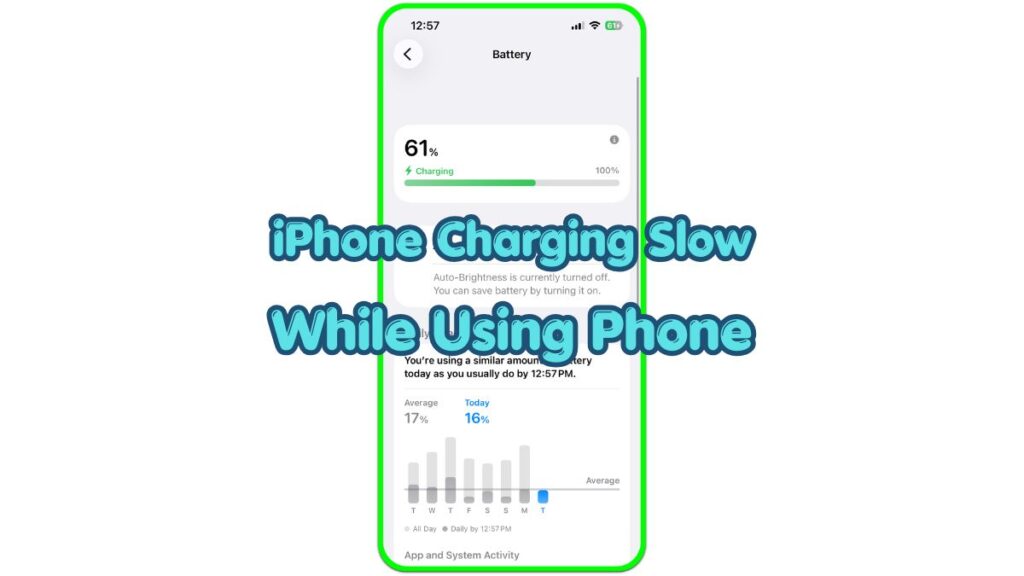
Introduction iPhone charging slow while using phone is easier to notice when you connect the charger, see the charging icon,
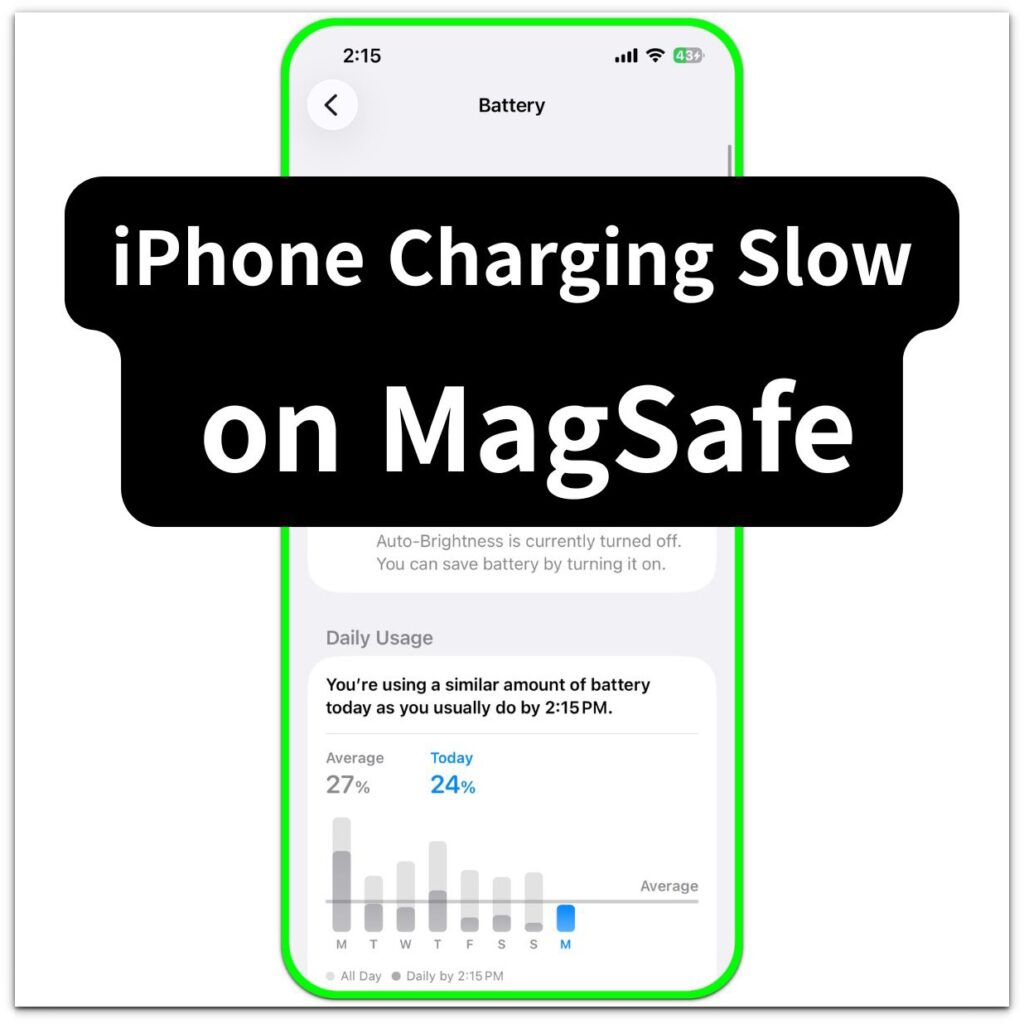
Introduction ──────────────────── iPhone charging slow on MagSafe gets annoying when the charger snaps on, the icon appears, and the battery
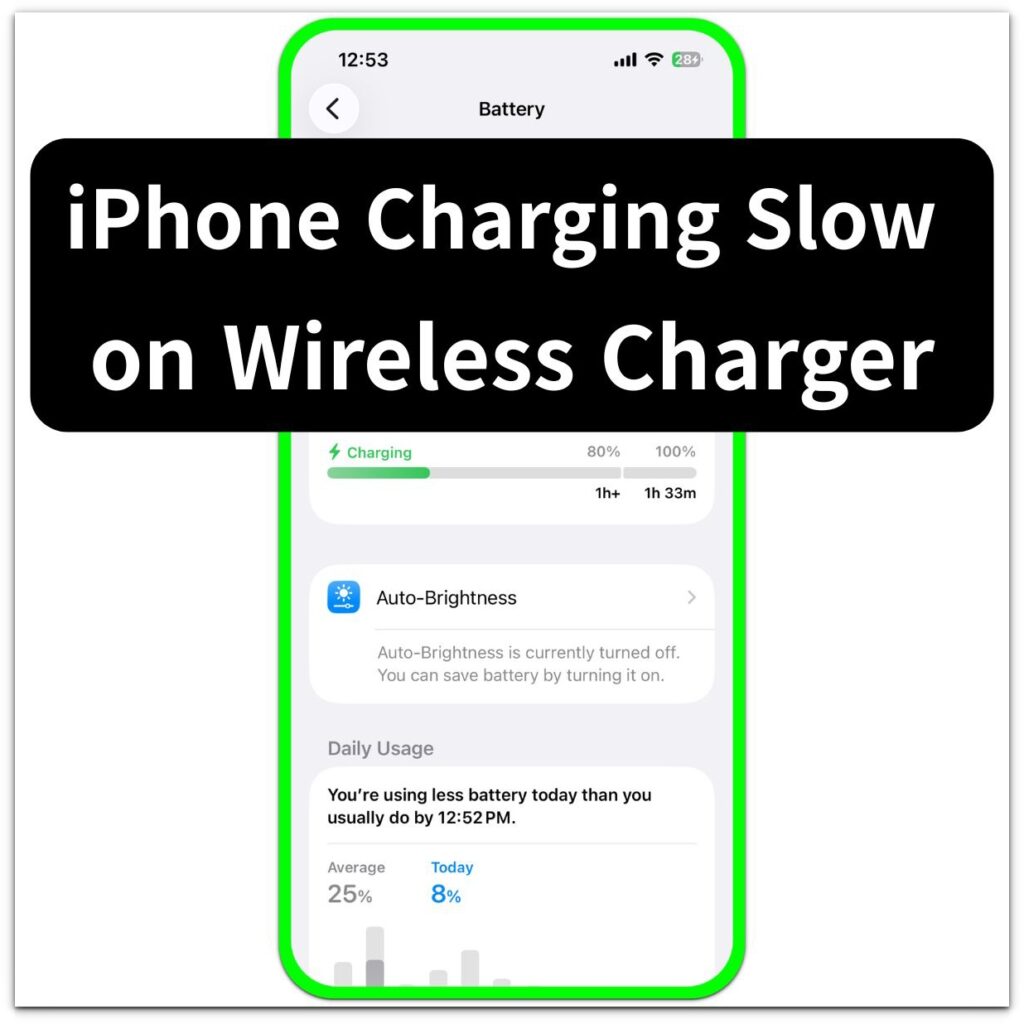
Introduction ──────────────────── iPhone charging slow on wireless charger can get annoying when the phone sits on the pad for a