
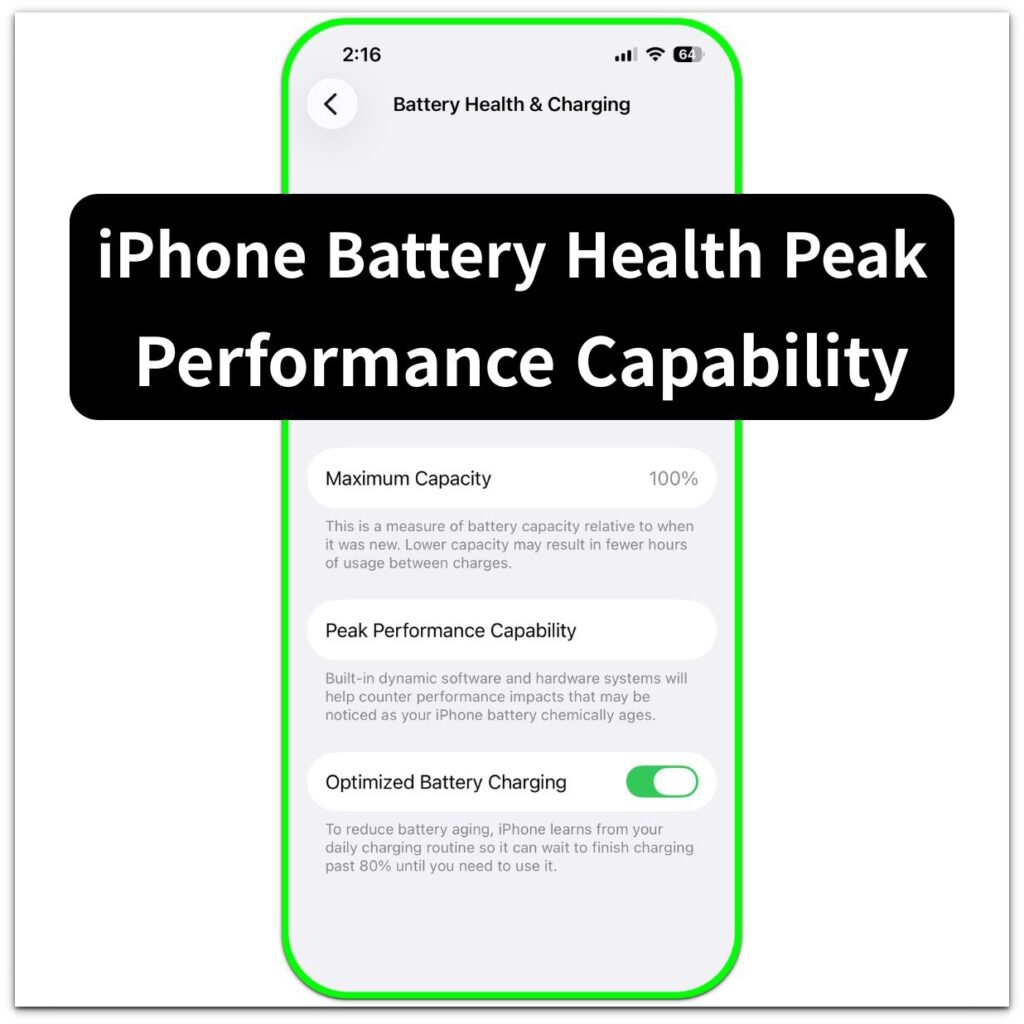
iPhone Battery Health Peak Performance Capability — What It Means
Introduction ──────────────────── iPhone Battery Health Peak Performance Capability becomes confusing when the Battery Health screen says the phone supports normal
System Boundaries focuses on iOS situations where the system has already made its decision.
In these cases, options may still appear on the screen,
settings may look correct,
and backups may exist.
However, the result does not change.
These articles explain where and why user control ends.
They describe how iOS evaluates restore, backup, and setup requests internally,
and which conditions close the path before any visible error appears.
This section is not about fixing a failure.
It is about understanding why a certain action can no longer succeed.
If an outcome remains the same despite repeated attempts,
it usually means the boundary has already been crossed.
Introduction ──────────────────── iPhone Battery Health Peak Performance Capability becomes confusing when the Battery Health screen says the phone supports normal

Introduction ──────────────────── iPhone battery health says service when you open Battery settings and see that message on the Battery Health
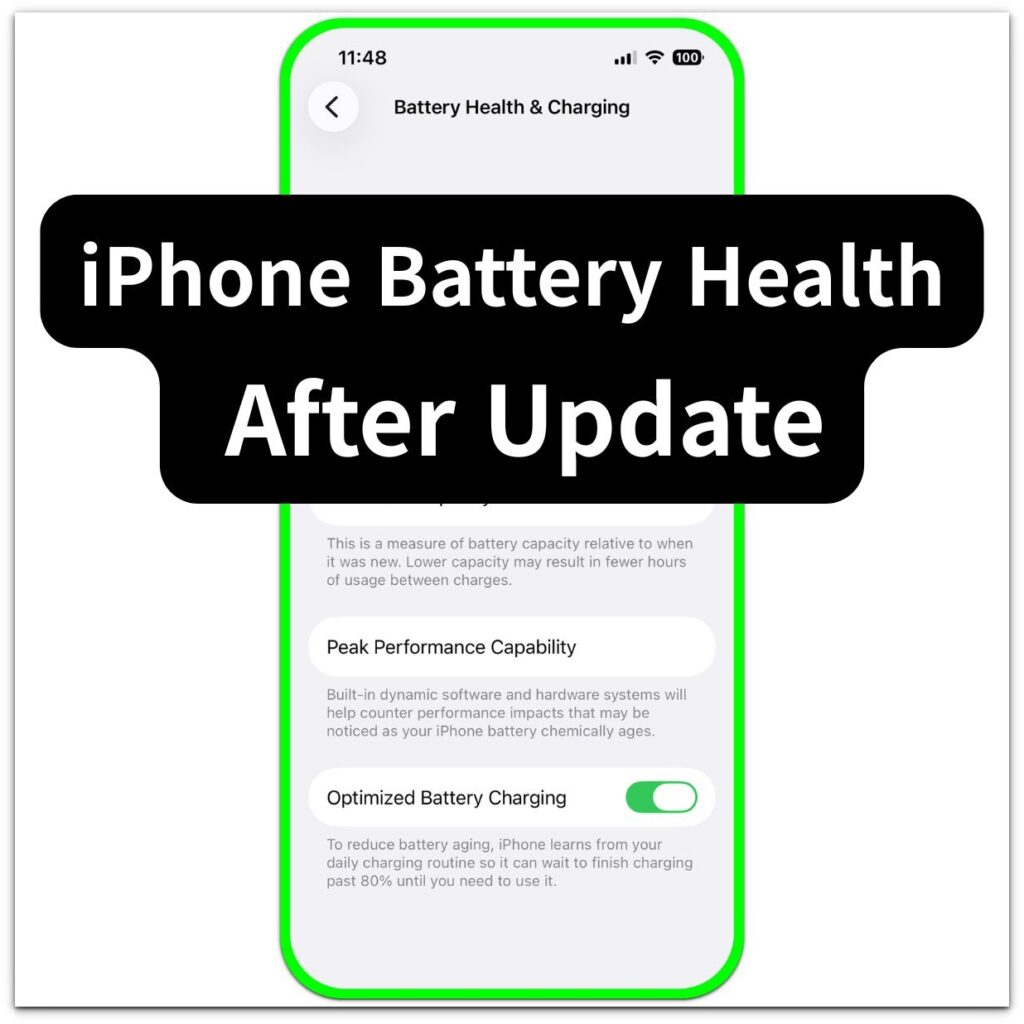
Introduction ──────────────────── iPhone battery health after update feels more real the moment the number looks lower right after iOS finishes
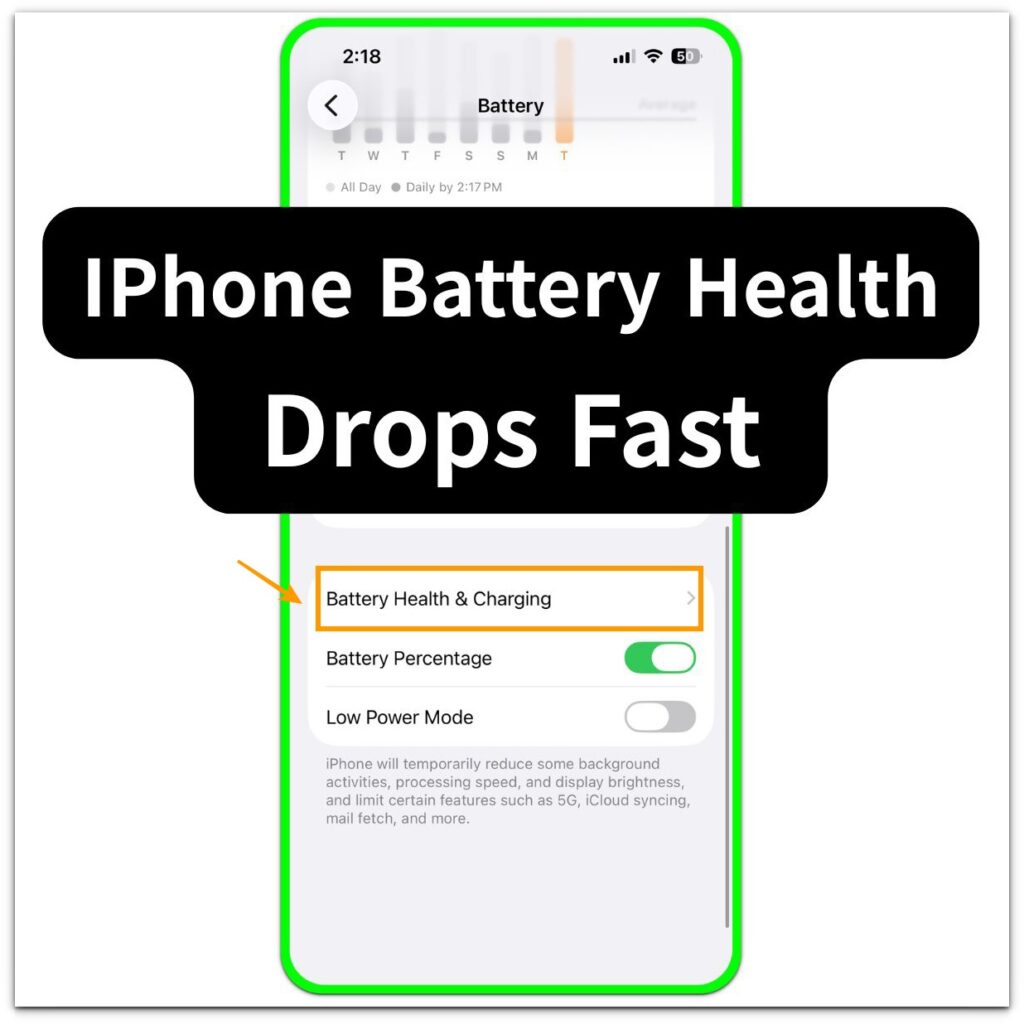
Introduction ──────────────────── You open battery health after a normal day and notice that the maximum capacity fell again sooner than
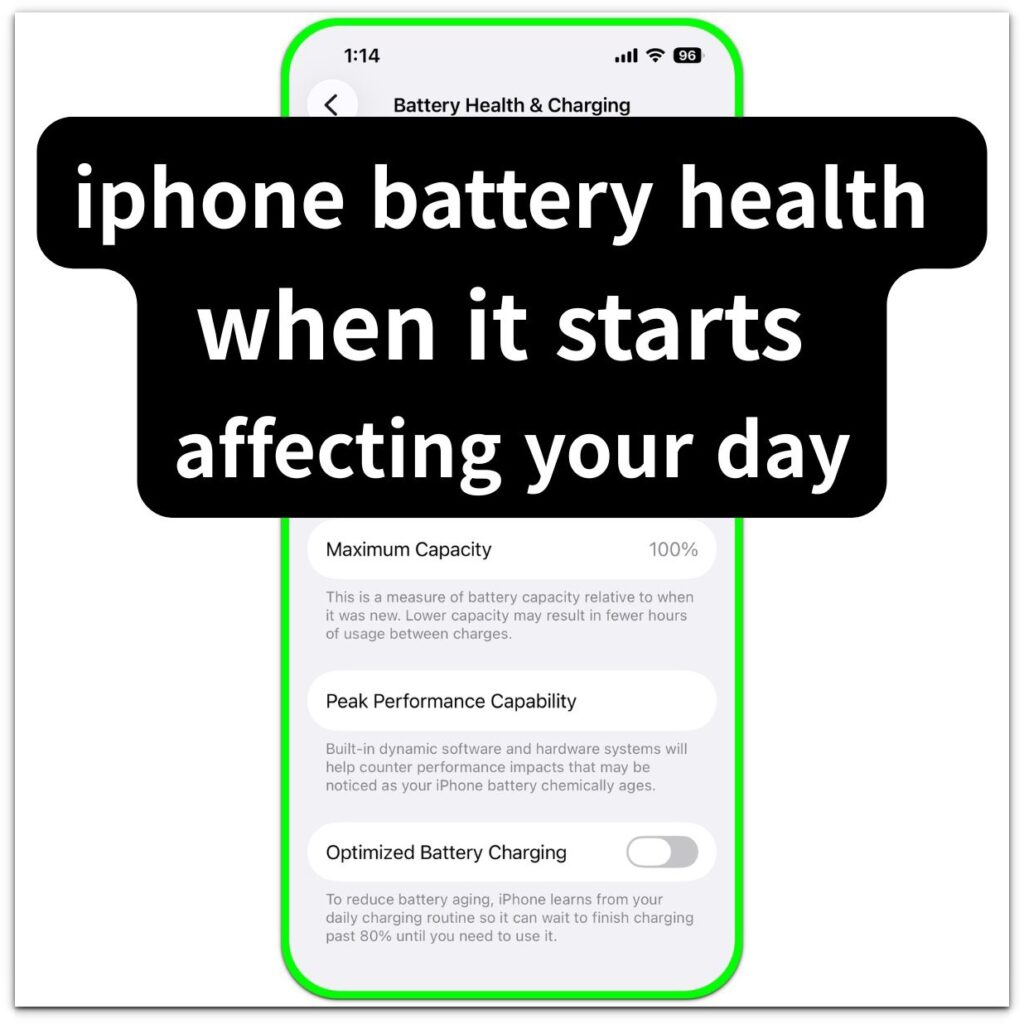
Introduction ──────────────────── Iphone battery health starts feeling more real when you open Battery Health in Settings and see that the
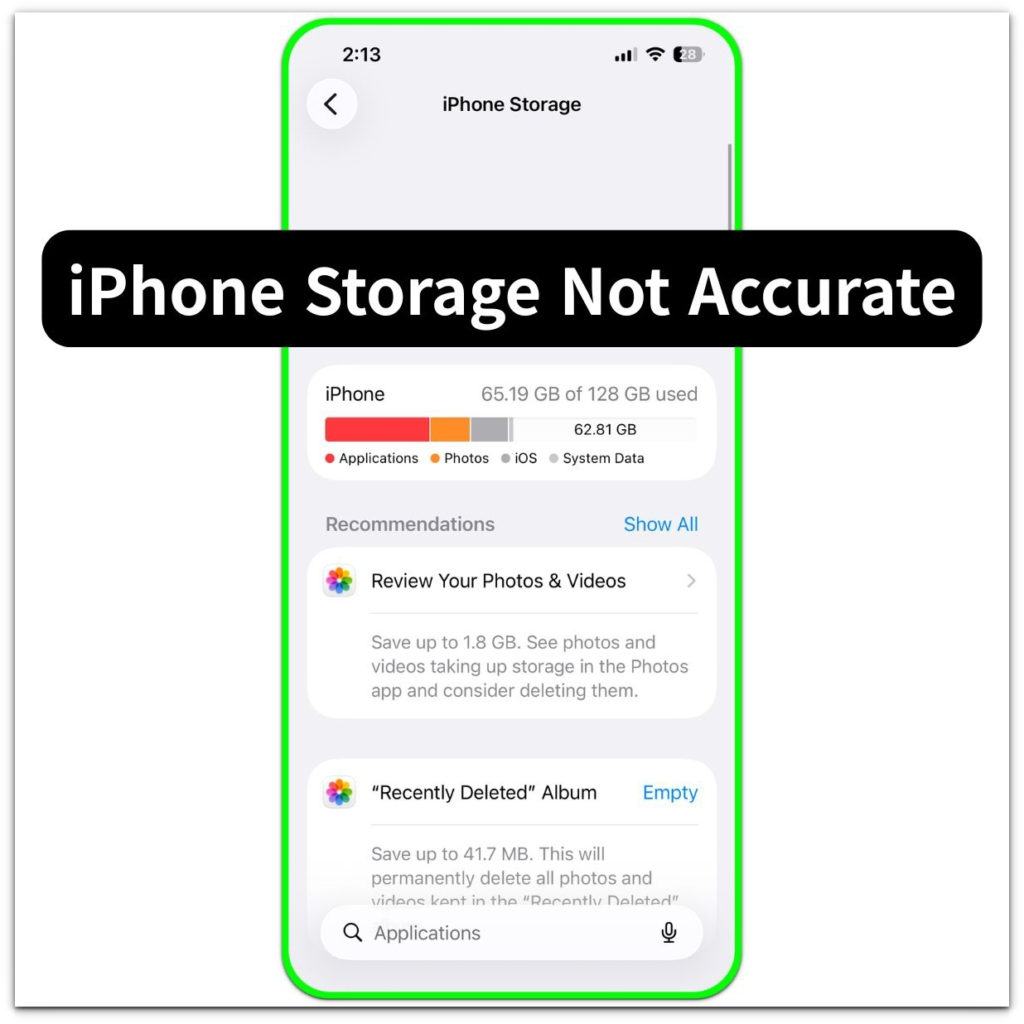
Introduction ──────────────────── Iphone storage not accurate appears when the storage number stays the same even after deleting apps, photos, or
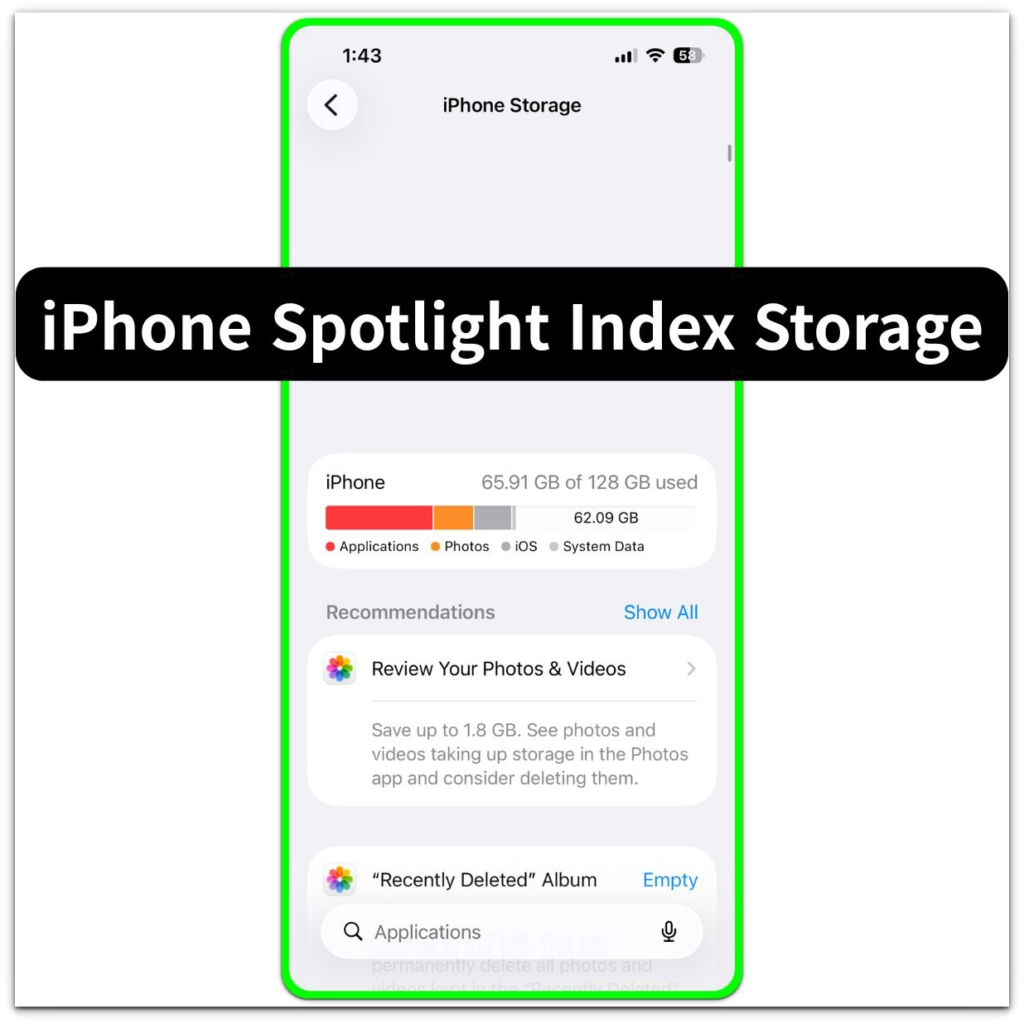
Introduction ──────────────────── iPhone spotlight index storage appears when the iphone storage screen shows system data increasing.this can appear even though
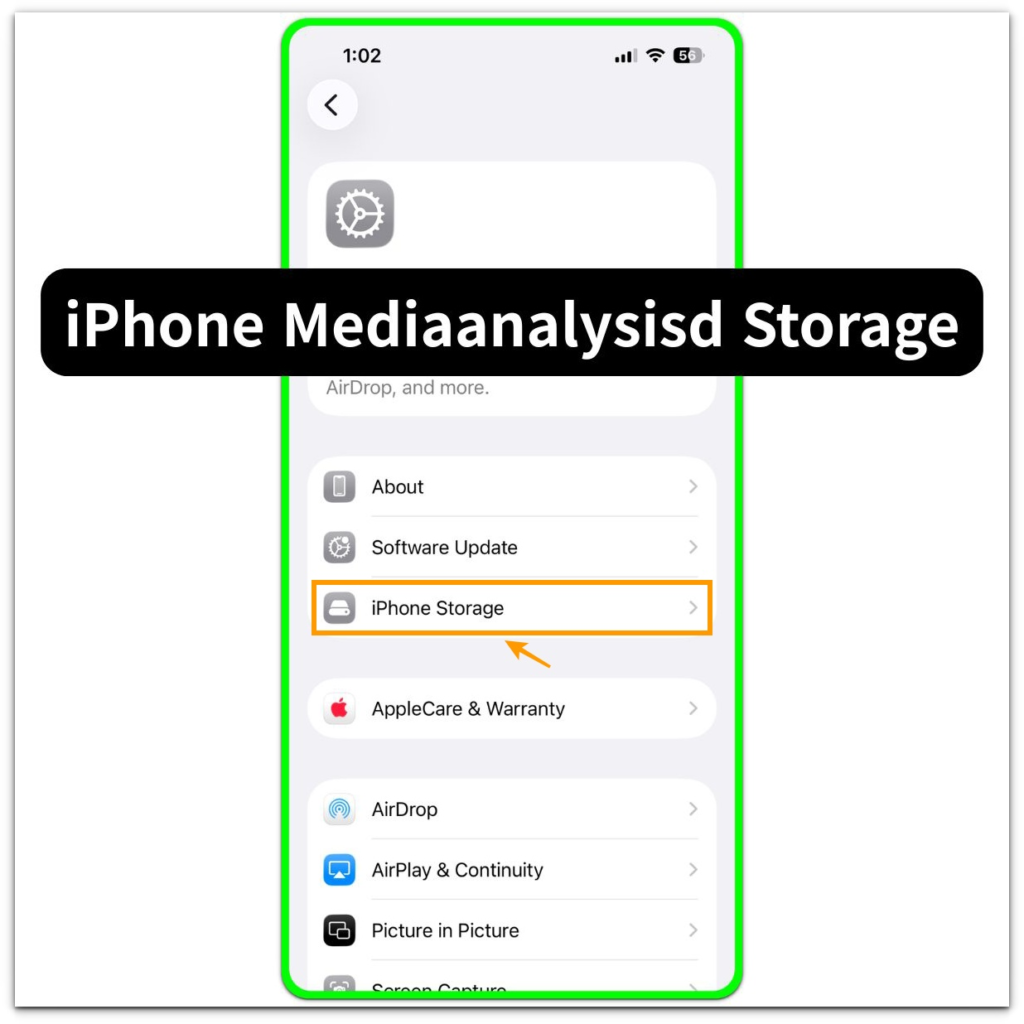
Introduction ──────────────────── iPhone mediaanalysisd storage appears when the iPhone Storage screen shows unexpected storage usage connected to mediaanalysisd activity. Users
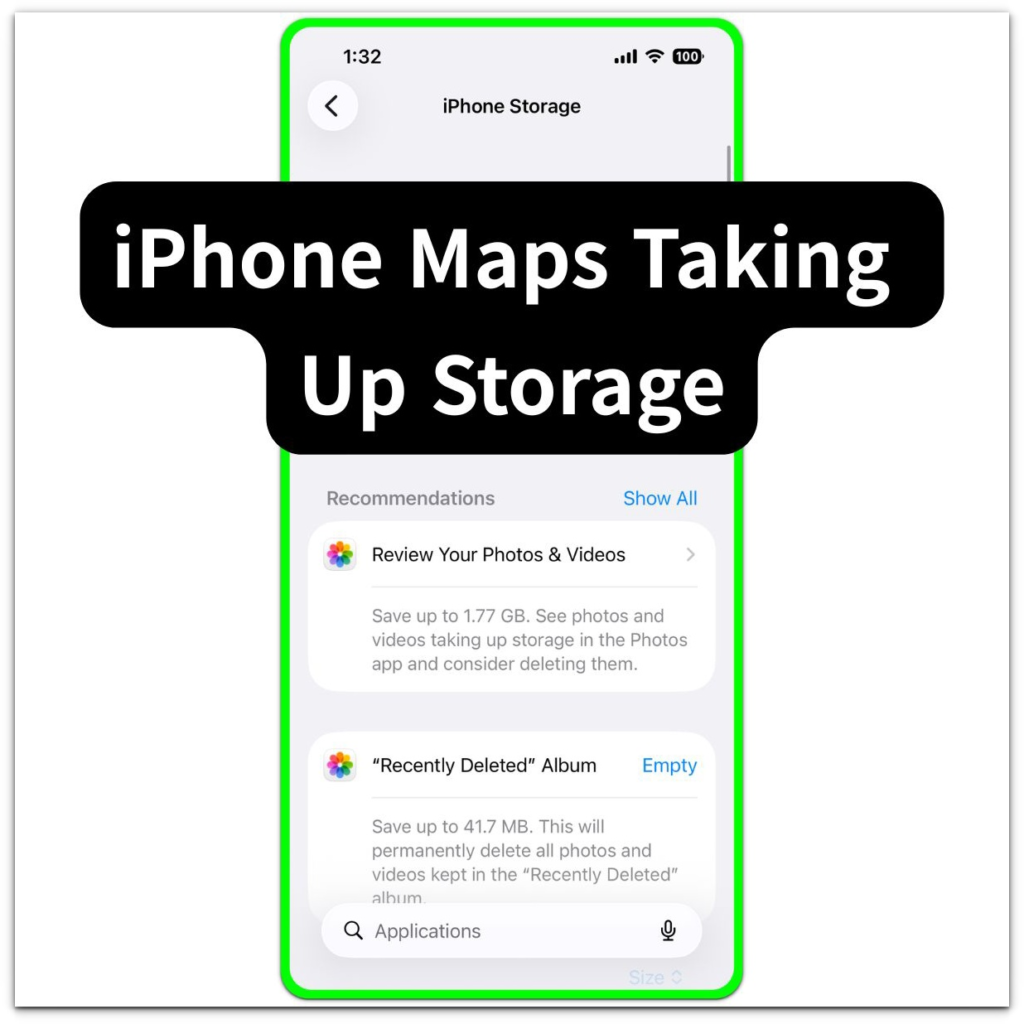
Introduction ──────────────────── iPhone Maps taking up storage appears when the Maps entry inside iPhone Storage shows more space used than
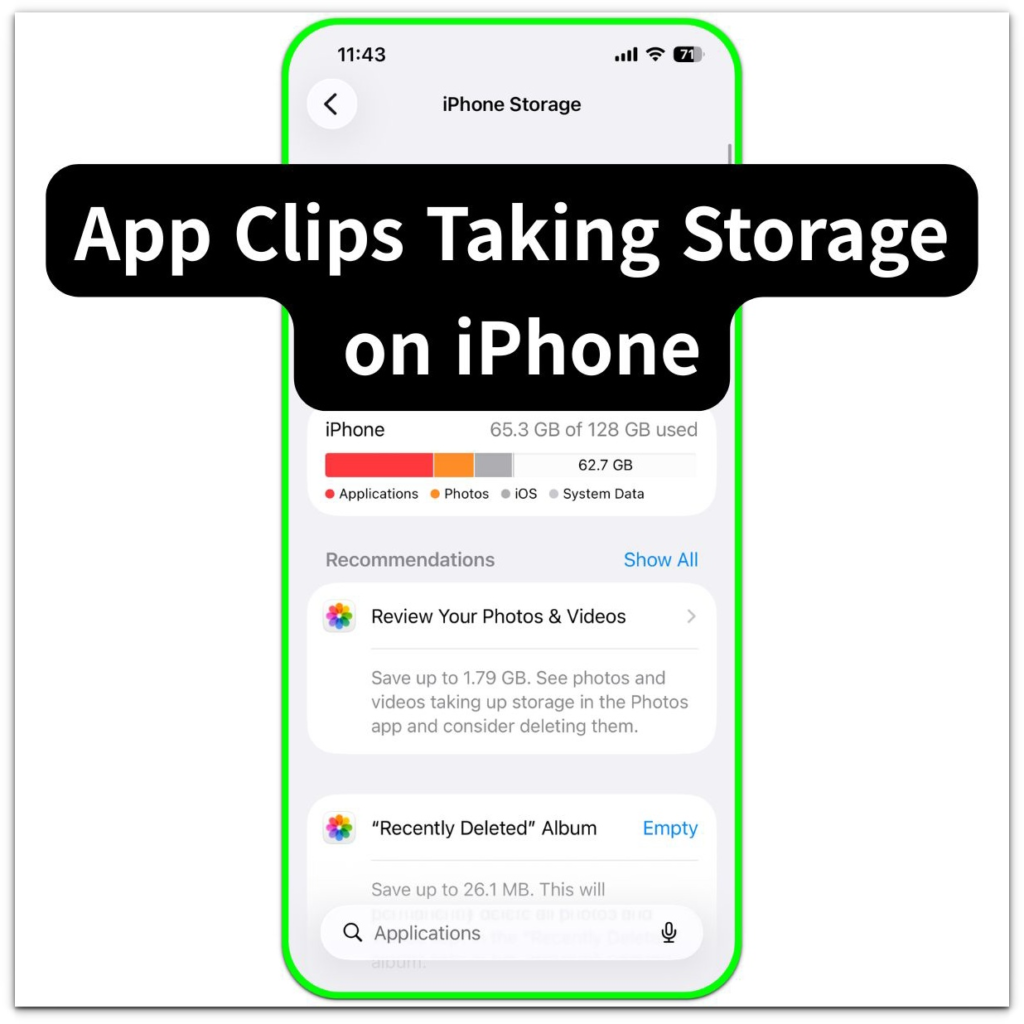
Introduction ──────────────────── App Clips taking storage on iPhone appears when the iPhone Storage screen shows App Clips using space even