
Introduction
────────────────────────
iPhone restore not working means the restore process keeps failing in the same way, even after multiple attempts with correct settings, stable network, and sufficient storage.
In many cases, the restore appears normal at first.
The progress bar advances without interruption.
Sometimes the process even reaches completion.
However, despite this, the result never changes.
The same data remains missing.
The restore stops at the same internal boundary again.
This behavior is not a temporary glitch.
It is not caused by impatience or a single bad attempt.
At this point, once this state becomes visible, iOS has already finalized the restore evaluation.
As a result, repeating the same restore only reproduces the same system decision.
────────────────────────
Step-by-Step Guide : iPhone restore not working
────────────────────────
────────────────────────
Step 1: Confirm that the failure pattern is stable
────────────────────────
The first step is not to fix the problem, but to observe it correctly.
Run the restore process more than once without changing conditions.
Do not switch backups between attempts.
Do not sign in with a different Apple ID.
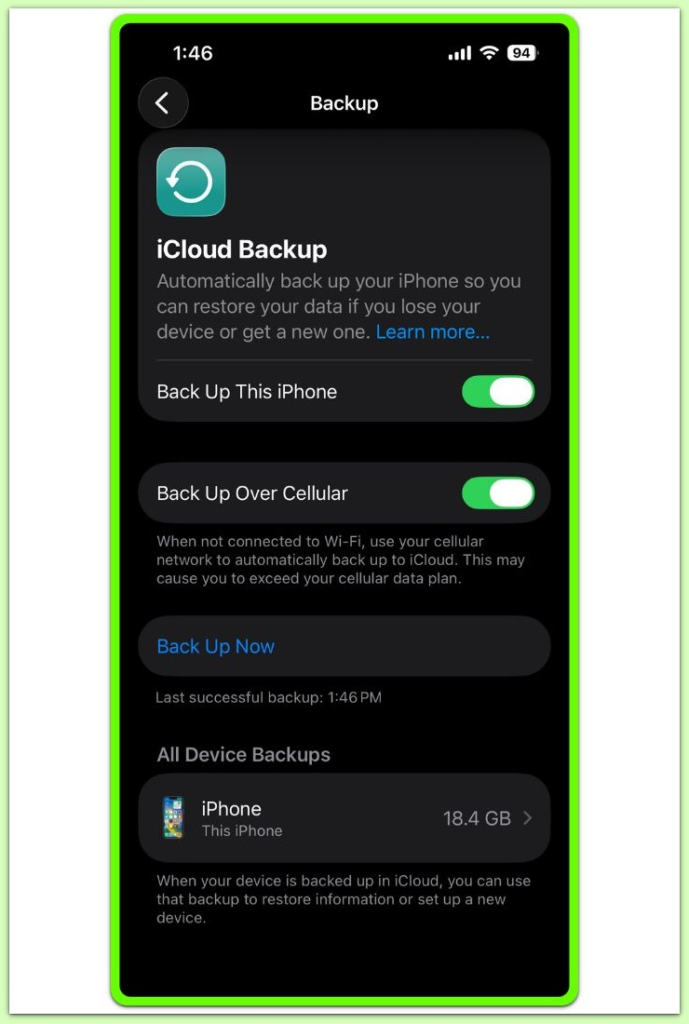
As a result, if the restore stops at the same stage or produces the same missing result, that repetition matters.
It shows the system is not re-evaluating the restore each time.
A stable failure means the restore logic has already settled on an outcome.
At that point, retrying is no longer a diagnostic action.
────────────────────────
Step 2: Separate visible progress from actual permission
────────────────────────
Visible progress during restore can be misleading.
The progress bar reflects file transfer activity, not restore approval.
Data can be copied even when final validation has already failed.
This explains why some restores appear to finish successfully.
Completion does not always mean acceptance.
Instead, if the same content is missing after completion, the system allowed transfer but blocked integration.
────────────────────────
Step 3: Identify the invisible decision layer
────────────────────────
Restore eligibility is determined before the restore screen appears.
At this stage, iOS checks account continuity, backup trust state, encryption alignment, and device policy early.
These checks are not repeated for each attempt.
Once a condition fails, the system does not notify the user explicitly.
Instead, it applies silent limits to what can be restored.
Because of this, retries do not trigger a different outcome.
────────────────────────
Step 4: Recognize when user control has ended
────────────────────────
At a certain point, iphone restore not working reaches a state where no user action changes the restore result.
In practice, changing cables does not help.
Resetting the device again does not help.
Waiting longer does not help.
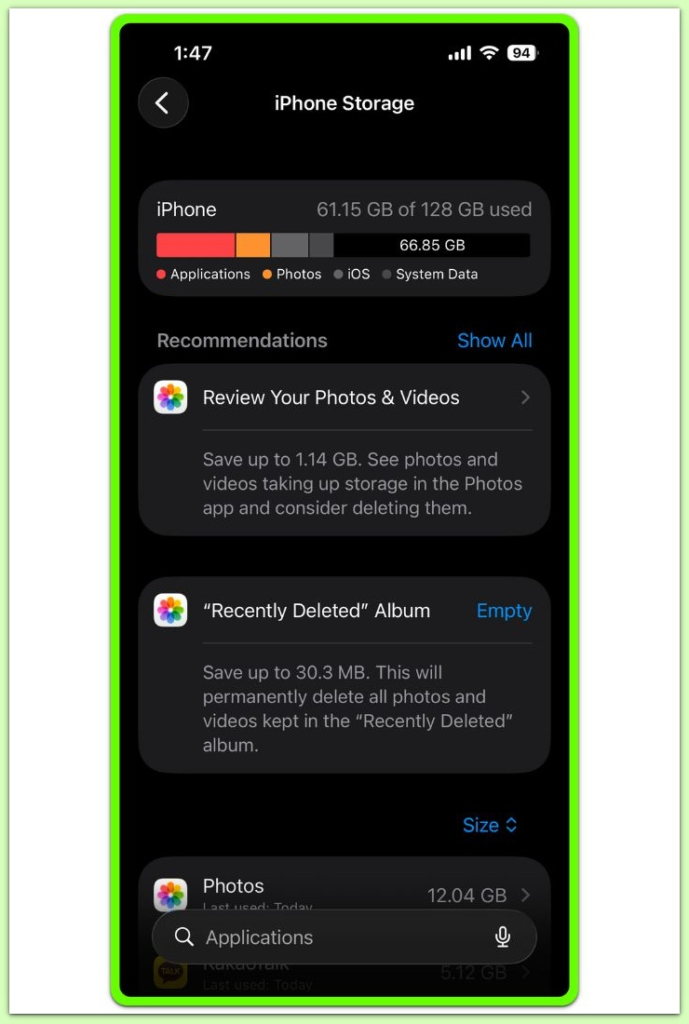
None of these actions interact with the eligibility rules at all.
They only repeat the same evaluation context.
This issue cannot be resolved through basic restore attempts. At this stage, the restore process is no longer controlled by user actions. If further assistance is required, external support resources may be necessary.
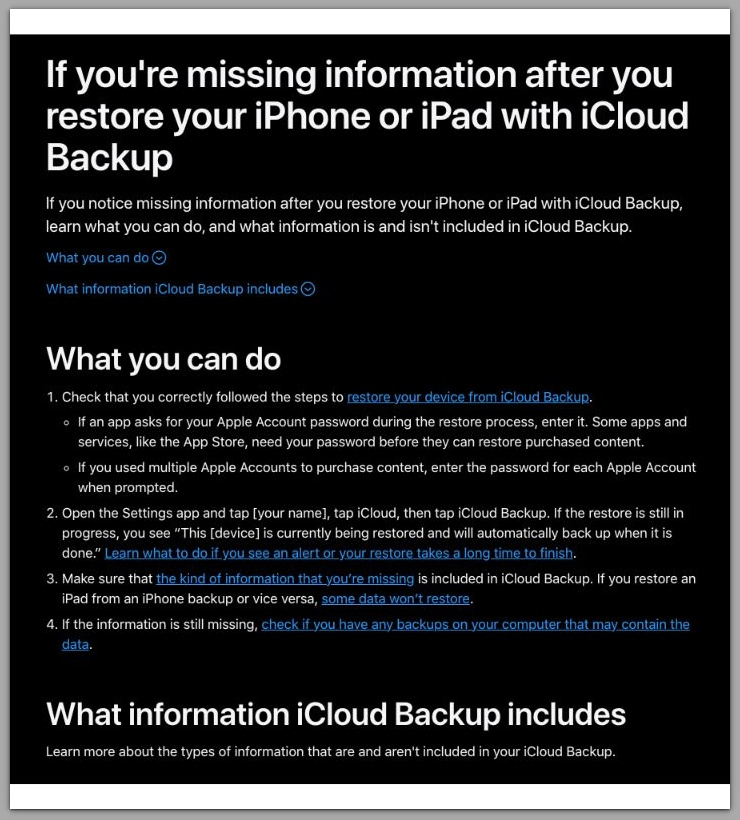
Use this official Apple support article for further guidance on restoring iPhone issues
────────────────────────
Troubleshooting
────────────────────────
────────────────────────
Identify whether the restore logic is still active
────────────────────────
At this stage, troubleshooting is no longer about fixing mistakes.
The first thing to determine is whether iphone restore not working reflects a state where iOS is still actively evaluating the restore or simply repeating an already decided result.
Run the restore again without changing any conditions.
Observe only the outcome.
If the result is identical, the system is no longer testing eligibility.
As a result, the restore logic has already completed its decision phase.
From this point forward, user actions do not influence the outcome.
────────────────────────
Understand why retries do not trigger re-evaluation
────────────────────────
iOS does not restart restore evaluation on each attempt.
Eligibility checks are performed early, before visible restore progress begins.
Once those checks fail, the decision is cached at the system level.
For this reason, retrying the restore only replays the execution phase.
It does not reopen validation.
This is why repeated attempts feel identical, regardless of effort.
────────────────────────
Recognize the silent rejection pattern
────────────────────────
Most blocked restores do not fail with an error message.
Instead of stopping the process, iOS limits what is allowed to complete.
The restore continues, but the result is constrained.
This silent rejection pattern is intentional.
It prevents partial data corruption while avoiding alarming error screens.
When the same limitation appears more than once, the rejection is already finalized.
────────────────────────
Additional Tips
────────────────────────
In simple terms, a useful way to understand iphone restore not working cases is to separate process visibility from decision authority.
What users see is process visibility.
What determines success is decision authority.
The system may appear busy, active, or progressing.
That does not mean approval is still possible.
Once decision authority shifts fully to the system, user input no longer alters results.
Understanding this distinction prevents unnecessary resets and repeated attempts.
────────────────────────
Final Notes
────────────────────────
At this point, when iphone restore not working continues to produce the same outcome, the issue is no longer procedural.
The restore process has crossed from a correctable state into an enforced boundary.
Retrying does not weaken that boundary.
Therefore, the most productive action is recognizing where control ends.
────────────────────────
Checklist
────────────────────────
☐ The restore result is identical across multiple attempts
☐ No visible error explains the failure
☐ Changing network or hardware has no effect
☐ The same backup produces the same missing content
If all conditions apply, the restore decision is already locked.
────────────────────────
Extra Section 1
────────────────────────
In many cases, most users misunderstand what repeating a restore actually does when iphone restore not working becomes a stable failure pattern.
They assume each attempt forces iOS to re-check everything from the beginning.
That assumption is wrong.
When a restore is attempted, iOS does not rebuild the decision tree every time.
Instead, it reuses previously validated conclusions whenever possible.
This is especially true once a restore has failed in a stable pattern.
At that point, the system is no longer asking whether the restore should work.
It has already answered that question.
Each retry simply replays the execution layer using the same internal constraints.
That is why the outcome feels frozen.
This behavior is intentional.
If iOS were to re-evaluate restore eligibility on every attempt, it would risk inconsistent data states.
Partial restores, duplicate records, and corrupted app containers would become far more common.
To prevent this, the system treats restore eligibility as a one-way gate.
Once closed, that gate does not reopen through repetition.
This explains why patience, persistence, and repeated resets fail to produce progress.
The system is not waiting for the “right attempt.”
It is enforcing a decision that has already been finalized.
────────────────────────
Extra Section 2
────────────────────────
There is a critical point in the restore process that users never see.
This point exists before the restore screen appears.
Before progress bars.
Before visible activity.
At that stage, iOS evaluates whether the restore context is safe, consistent, and trusted.
That evaluation includes account continuity, backup integrity, encryption alignment, and policy restrictions.
Once completed, the result is locked in.
From that moment on, the restore process becomes mechanical.
Files may transfer.
Screens may advance.
The device may reboot.
But the final acceptance rules do not change.
This is why resets feel ineffective.
A device reset clears local state, not restore eligibility.
It does not erase account history.
It does not rewrite trust relationships.
As a result, the same restriction survives across resets, retries, and even device changes.
When iphone restore not working persists despite correct conditions, the system is signaling that user-level control has ended.
Understanding this boundary is not about giving up.
It is about recognizing when the problem has moved beyond repetition and into rule enforcement.
That recognition is what separates productive action from endless retry loops.