
Introduction
────────────────────────
iphone messages missing after icloud restore describes a state where an iPhone completes an iCloud restore without errors, yet message threads remain partially or completely absent after setup finishes.
From the system’s perspective, the restore succeeds.
The device activates normally and other data appears intact.
The failure appears later, inside Messages.
Conversations are missing, incomplete, or frozen at an earlier point in time.
This is not a restore crash.
It is the point where iCloud message sync stops progressing.
Once sync halts at this stage, waiting alone does not guarantee recovery.
────────────────────────
Step-by-Step Guide : iphone messages missing after icloud restore
────────────────────────
────────────────────────
Step 1: confirm whether messages are restoring or syncing
────────────────────────
First, separate restore behavior from sync behavior.
If messages were included in the iCloud backup, they usually become available early during restore, rather than depending entirely on later background sync.
If Messages in iCloud was enabled, messages rely on post-restore sync instead.
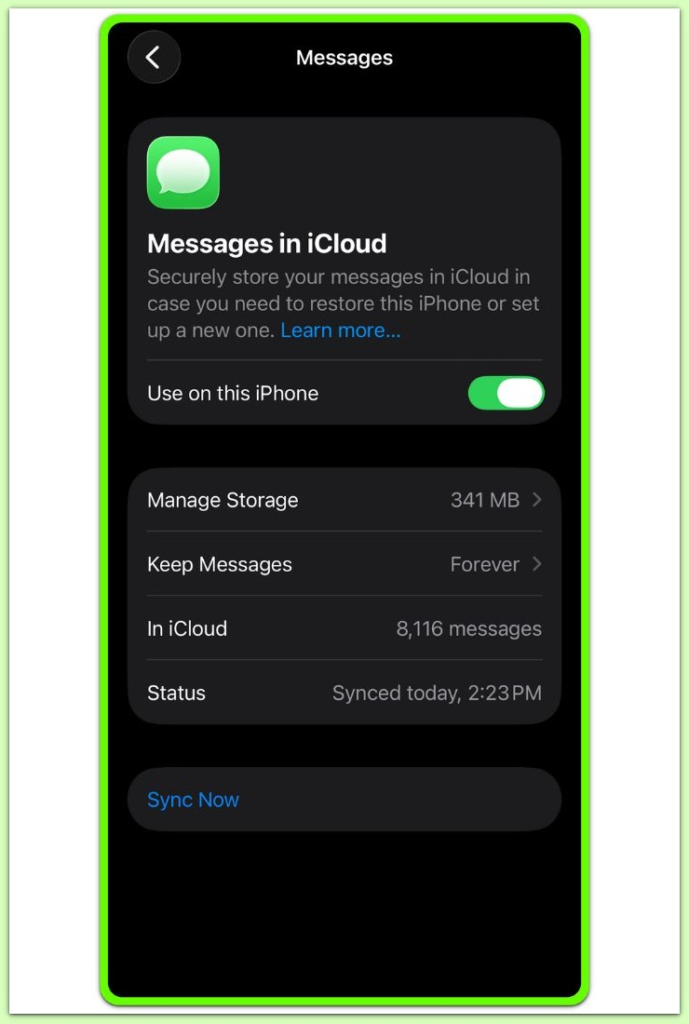
Open Settings and check the iCloud section.
Look specifically at Messages under iCloud.
If Messages is enabled, the device is not restoring messages from the backup.
It is requesting them from the iCloud message store.
This distinction defines the entire outcome when iphone messages missing after icloud restore occurs.
────────────────────────
Step 2: check whether sync is actively progressing or stalled
────────────────────────
Sync does not always fail loudly.
In many cases, it simply stops without notification.
No error appears and no progress indicator remains visible.
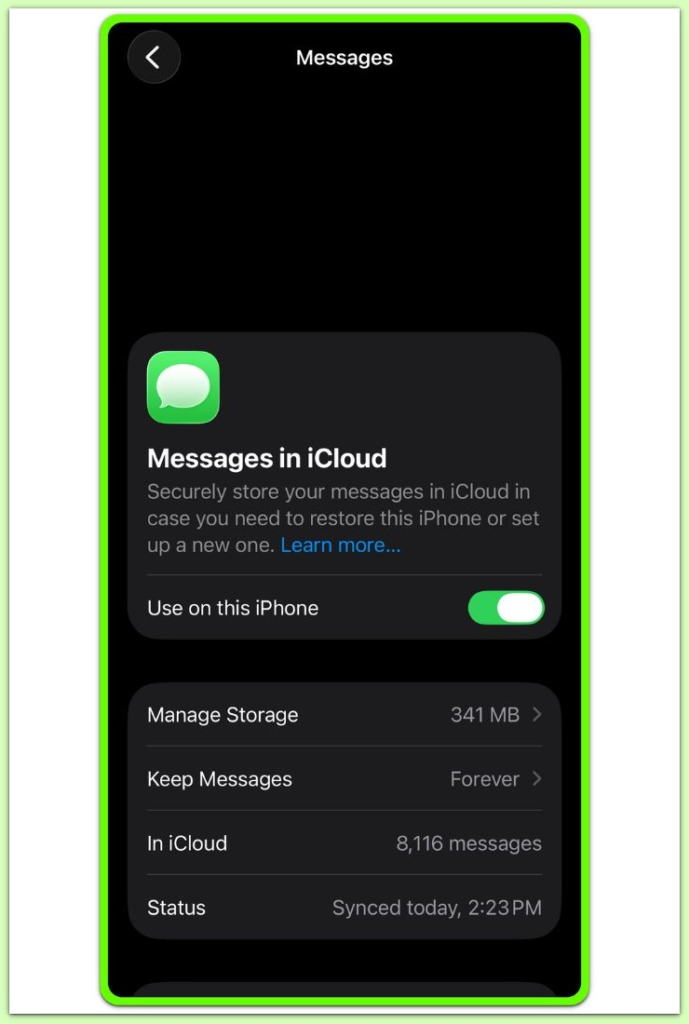
Open Messages and scroll through older conversations.
If older threads never load, sync has likely stalled, which is a common pattern when iphone messages missing after icloud restore is reported.
Time alone is not a fix here.
A stalled sync often does not resume on its own.
────────────────────────
Step 3: verify account-level conditions that block sync
────────────────────────
Message sync depends on account-level permissions.
If iCloud storage was full during the restore window, message sync may pause for an extended period.
The system may not reliably retry once space becomes available.
Signing out and back into iCloud does not consistently restart message sync.
In some cases, it disrupts the existing message linkage on the device.
At this stage, the system has already settled on its sync boundary.
If you need further clarification at this stage, refer to a detailed reference explaining how message sync works and what conditions can prevent message data from downloading correctly.
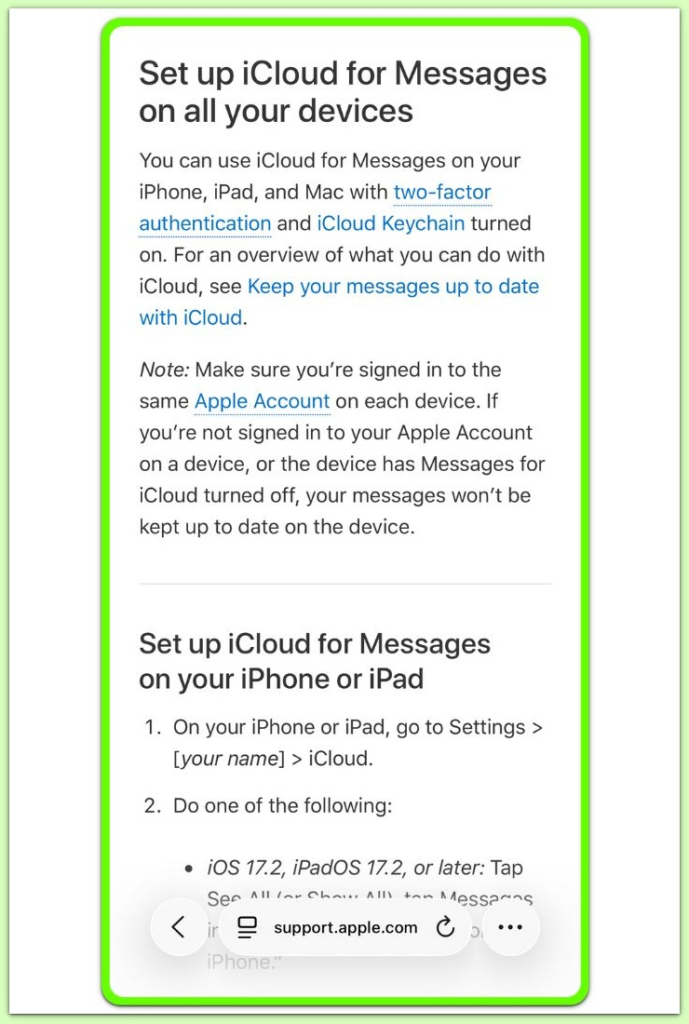
See how Messages syncs with iCloud.
────────────────────────
Troubleshooting
────────────────────────
────────────────────────
symptom check: what exactly is missing
────────────────────────
Start by defining the missing scope.
Only new messages are missing, or old history is also gone.
If recent messages are missing but old threads exist, this is usually a sync stop mid-stream.
If entire threads are missing, the source state in iCloud may no longer contain them, which aligns with how iphone messages missing after icloud restore typically presents.
Check whether missing items are limited to iMessage or include SMS/MMS.
That split matters because carrier messages do not behave the same way as iMessage in iCloud.
────────────────────────
when sync looks active but never completes
────────────────────────
Sometimes Messages shows partial content and appears to work.
Then it stops advancing and stays frozen.
If the device remains on Wi-Fi and charging for hours with no change, treat it as a stall.
A stall is different from slow syncing.
Do not repeat restarts as a routine fix.
A restart can interrupt an already fragile message indexing pass.
────────────────────────
the most common stop points that users misread
────────────────────────
A frequent stop point is right after setup finishes.
People assume setup completion means Messages completion.
Another stop point happens after a large photo or video thread.
The sync may pause after a single heavy attachment block.
A third stop point is during older-history pull.
Recent threads show up, then older years never arrive.
────────────────────────
actions that feel productive but often reduce recoverability
────────────────────────
Toggling Messages in iCloud off and on can remove local fragments.
It does not guarantee a clean re-download.
Signing out of iCloud can detach the device state from the message record.
Re-signing in may not restore the same continuity.
Factory reset repeats the same request against the same source state.
If the source state is incomplete, repeating the process just repeats the limit.
────────────────────────
confirm the device is not blocked by account restrictions
────────────────────────
Account-level limits can stop message sync without a clear error.
Storage pressure, security holds, or verification loops can all pause sync.
If the Apple ID shows repeated verification prompts, address that first.
A partially verified account can appear signed in while failing to sync fully.
If multiple devices are connected to the same Apple ID, compare them.
If the other device also lacks the threads, the source state is the boundary.
────────────────────────
Additional Tips
────────────────────────
Message sync behaves like a rolling rebuild rather than a single transfer.
Recent conversations usually appear first, especially in cases involving iphone messages missing after icloud restore.
Older history often requires uninterrupted background time.
Interruptions tend to reset the pull order rather than resume where it stopped.
If the missing content is tied to a single contact, inspect that thread type.
Threads with many attachments can be the point where sync slows or halts.
Keep the device on stable Wi-Fi and charging for a full cycle.
If nothing changes across that cycle, treat the state as fixed, not still loading.
On some devices, Low Power Mode affects long background work.
Turning it off can help, but it does not override a stopped source state.
────────────────────────
Final Notes
────────────────────────
If iphone messages missing after icloud restore remains unchanged after the checks above, it is unlikely to be a simple settings issue.
In most cases, the limitation comes from the current iCloud message source rather than the device itself.
At that point, repeating restore steps is not a strategy.
It is repetition against the same limit.
────────────────────────
Checklist
────────────────────────
☐ Identify whether missing content is iMessage only, or includes SMS/MMS
☐ Confirm whether Messages in iCloud was enabled before restore
☐ Observe whether older history ever loads, or stays frozen
☐ Avoid toggling Messages in iCloud repeatedly
☐ Avoid sign-out and sign-in cycles unless verification is clearly broken
☐ Compare with another device on the same Apple ID, if available
When sync stops at this stage, user-level fixes end and the source state decides the outcome.
────────────────────────
Extra Section 1
────────────────────────
This problem feels personal because Messages is tied to identity.
But the mechanism itself is procedural.
iCloud restore and Messages sync are not the same pipeline.
Restore completes first, while message sync continues afterward, and the two processes can separate in scenarios where iphone messages missing after icloud restore is observed.
If iCloud cannot safely reconcile message states, it may prioritize consistency over completeness.
From the outside, that choice appears as missing messages.
This is why the absence can be clean and silent.
No crash happens because the system is not failing, it is declining further changes.
If a message thread was not present in the iCloud message source at that moment, the device cannot retrieve it.
The device can only request what the source can provide.
────────────────────────
Extra Section 2
────────────────────────
A key trap is assuming time fixes everything.
Time fixes slow sync, not stalled sync.
Slow sync changes in observable steps.
Stalled sync stays flat across long, stable conditions.
Another trap is believing a second restore is a fresh attempt.
It is not fresh if the same iCloud state is queried again.
A different outcome requires a different source.
That means another device that still holds the missing history, or a backup created before the exclusion point.
If neither exists, the practical boundary is clear.
This is where sync stops, and device-side recovery cannot go further.