
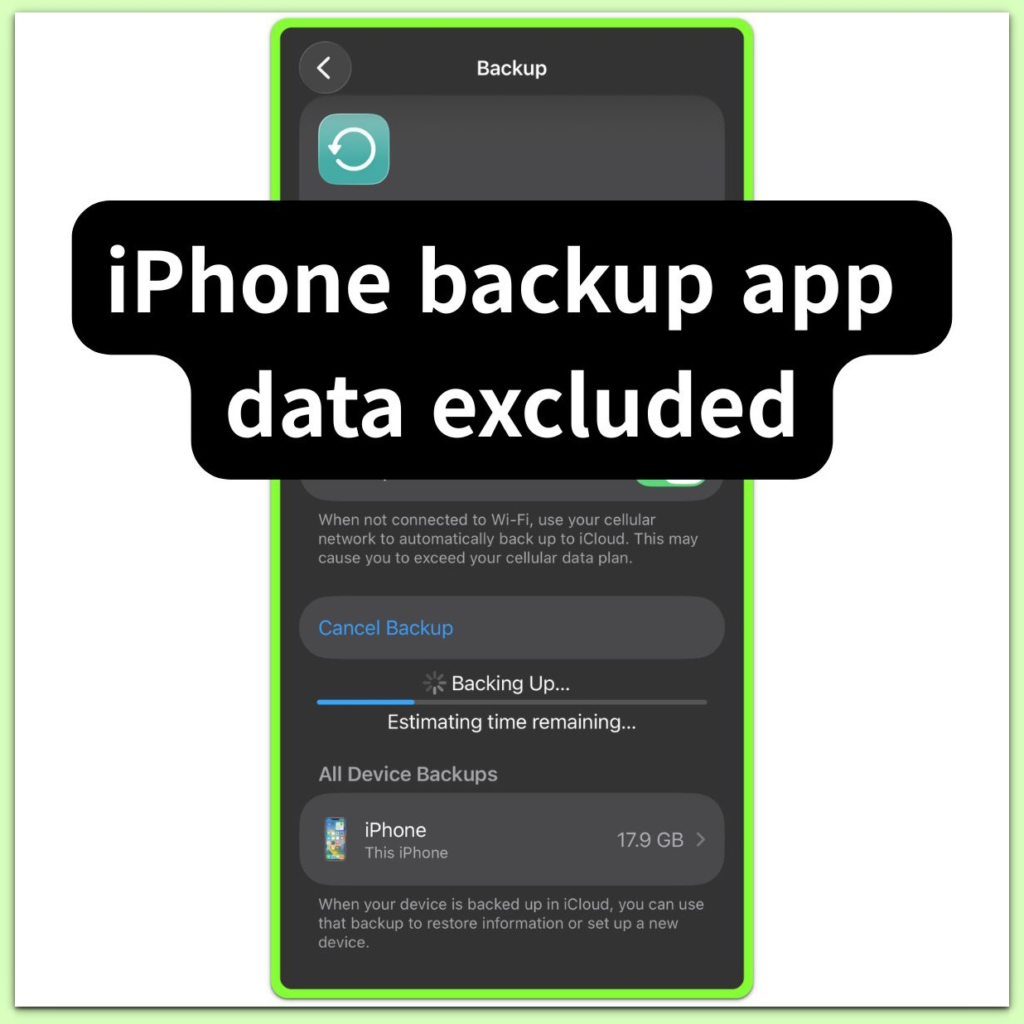
iPhone backup app data excluded — System-Level Exclusions Explained
Introduction──────────────────────── iPhone backup app data excluded refers to a completed backup state where the system intentionally leaves out specific app […]
System Boundaries focuses on iOS situations where the system has already made its decision.
In these cases, options may still appear on the screen,
settings may look correct,
and backups may exist.
However, the result does not change.
These articles explain where and why user control ends.
They describe how iOS evaluates restore, backup, and setup requests internally,
and which conditions close the path before any visible error appears.
This section is not about fixing a failure.
It is about understanding why a certain action can no longer succeed.
If an outcome remains the same despite repeated attempts,
it usually means the boundary has already been crossed.
Introduction──────────────────────── iPhone backup app data excluded refers to a completed backup state where the system intentionally leaves out specific app […]
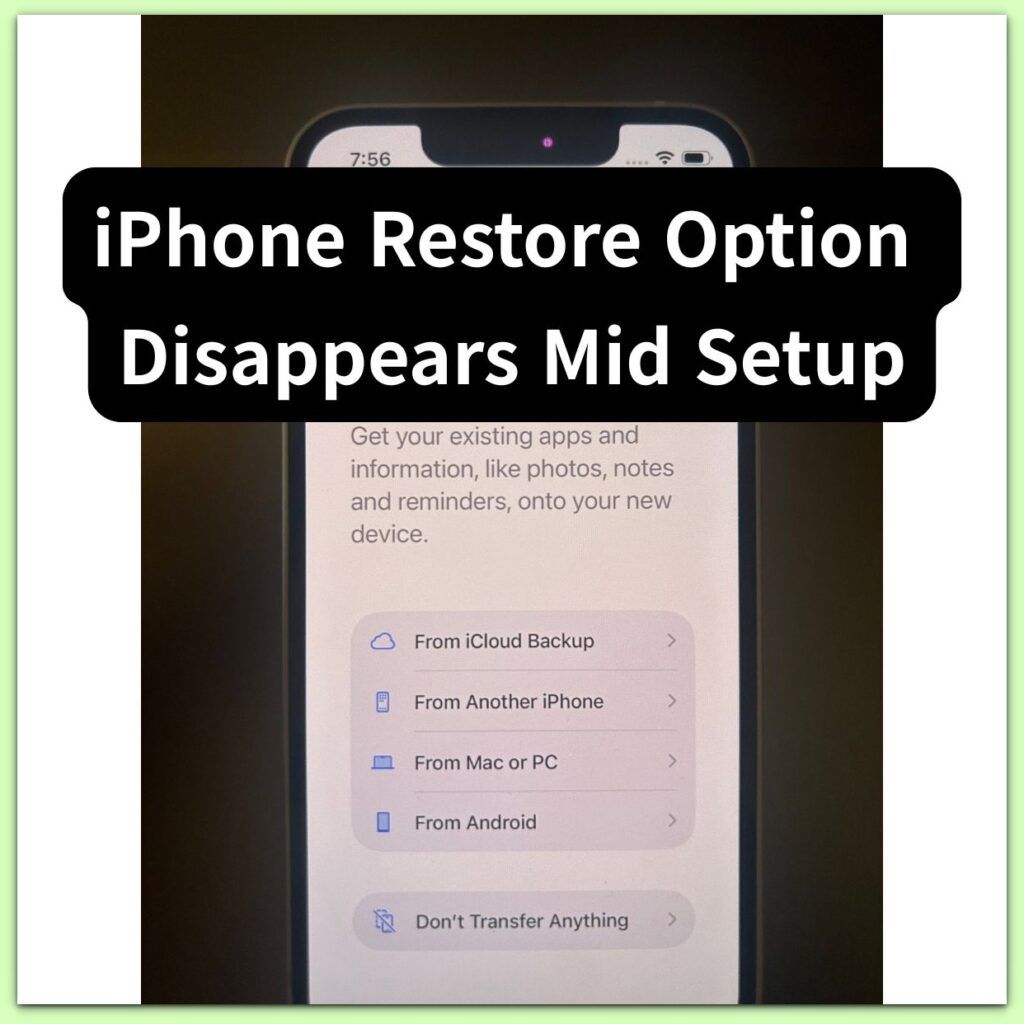
Introduction──────────────────────── iPhone Restore Option Disappears Mid Setup refers to a setup state where iOS removes the restore path after the
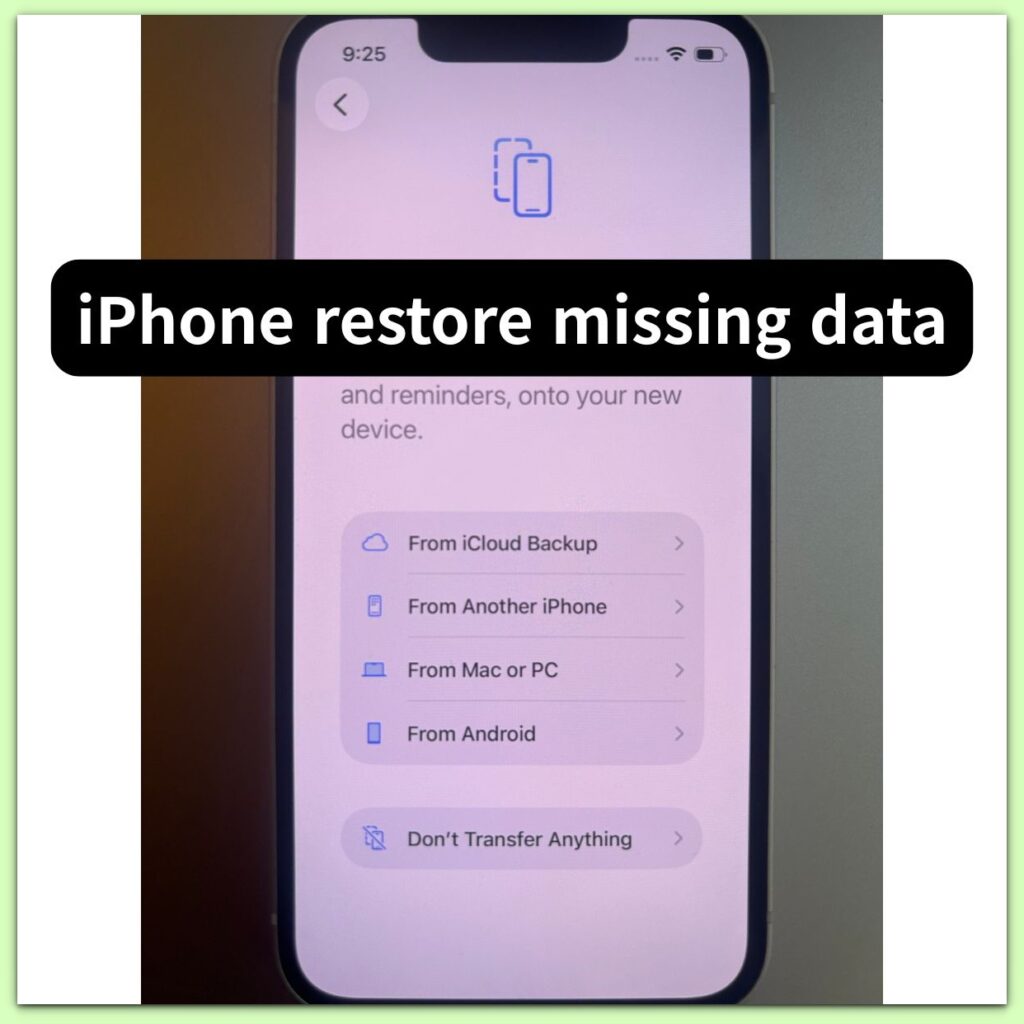
Introduction──────────────────────── iPhone restore missing data means the restore process finishes successfully, but expected data does not fully appear on the
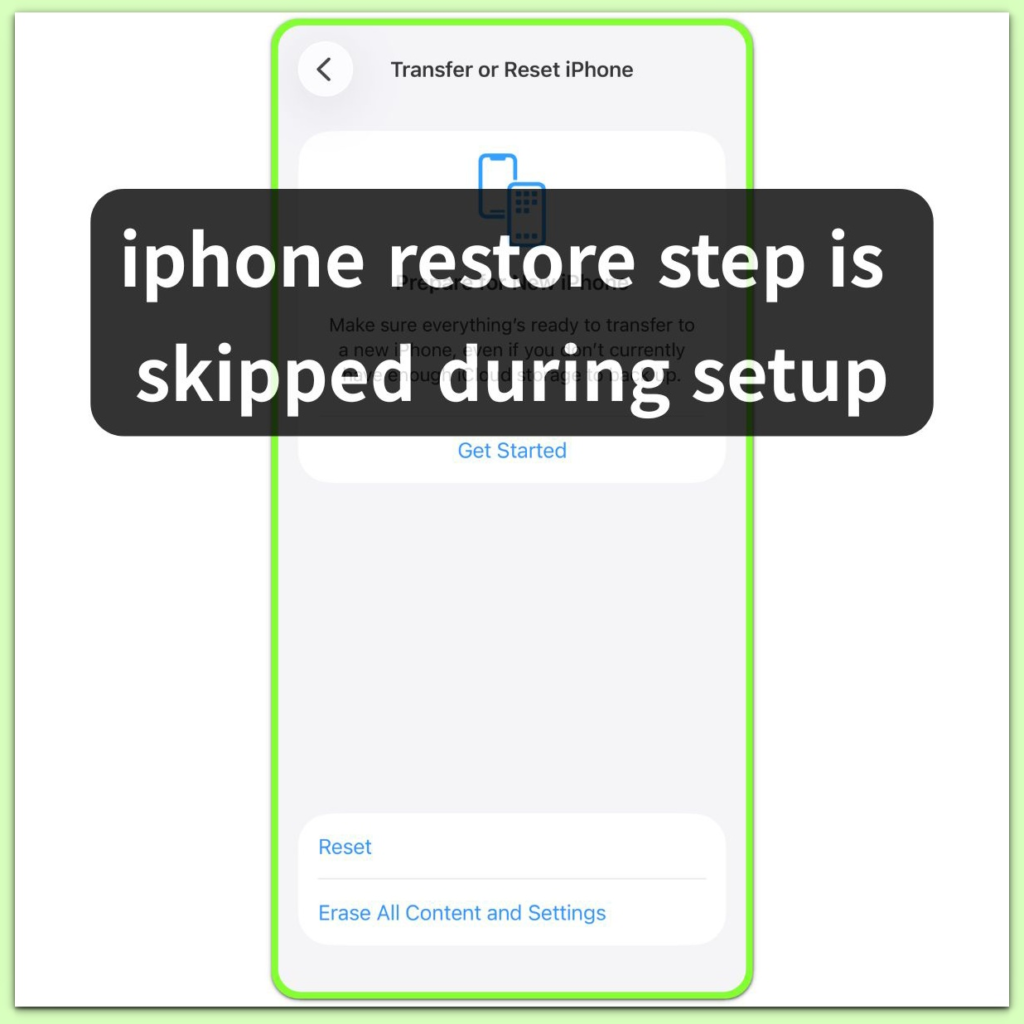
Introduction: iphone restore step is skipped during setup──────────────────────── iPhone Setup Skips Restore Path means the restore option disappears during the
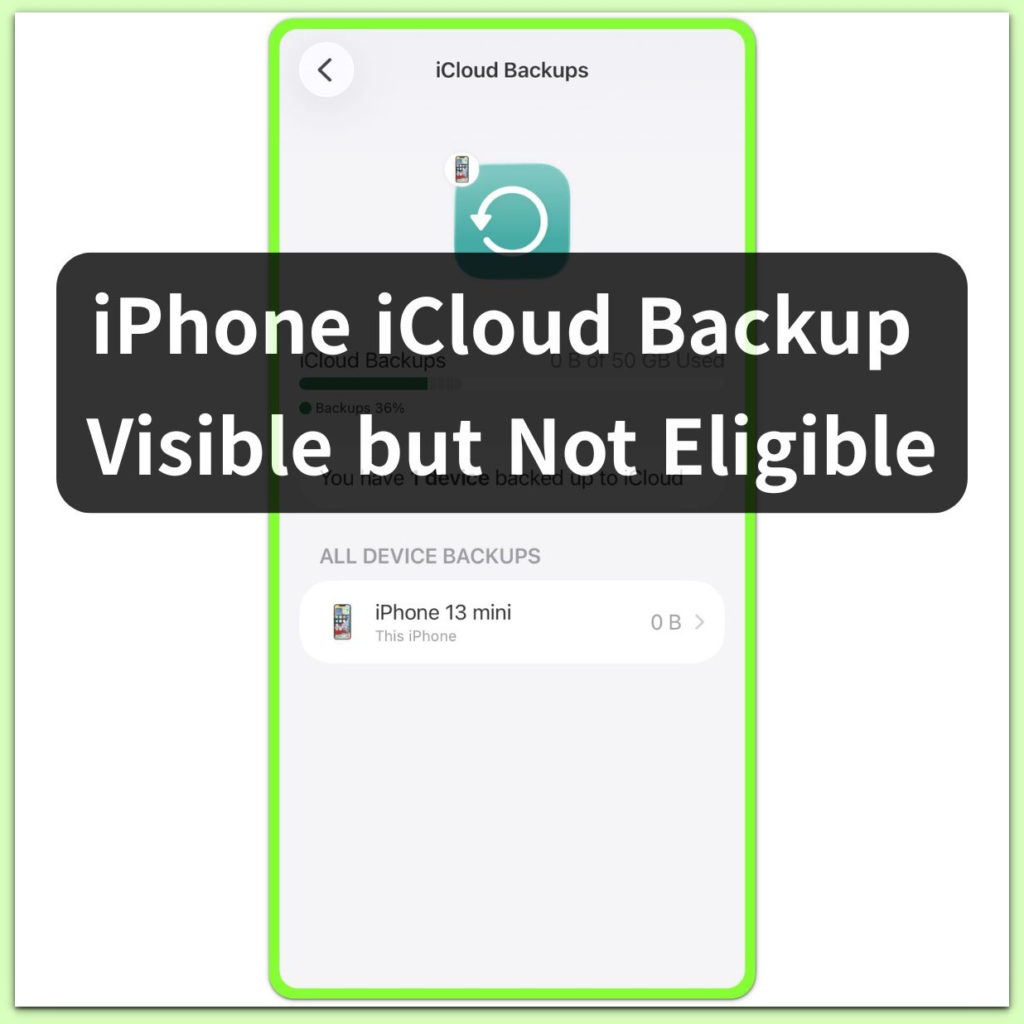
Introduction──────────────────────── iPhone iCloud Backup Visible but Not Eligible means an iCloud backup appears in the list, but iOS blocks it
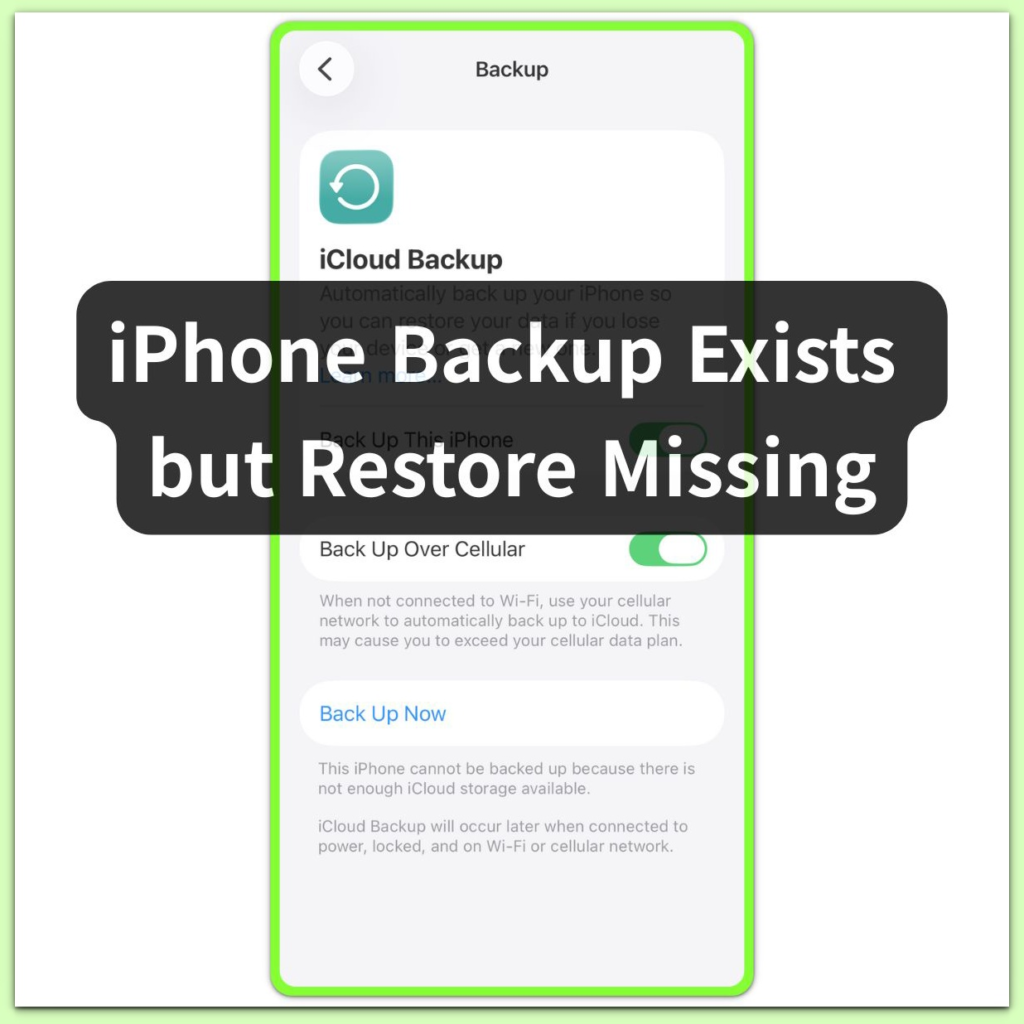
Introduction──────────────────────── iPhone backup exists but restore missing means iOS detects a valid iCloud backup, but the system blocks the restore