
Introduction
────────────────────────
iPhone Activation Locked Incorrect Apple ID or Password occurs when activation rejects credentials even though the Apple ID and password appear correct.
The activation screen does not verify identity inside the device itself.
All credential data is transmitted to Apple’s activation server, and access depends on whether the server record aligns with the hardware identity stored for that specific iPhone.
The system can display an incorrect credential message even when the password is correct.
Rejection often reflects a mismatch between account ownership and device binding rather than a typing mistake.
Control in this situation does not end at the keyboard.
It ends at Apple’s ownership record.
────────────────────────
Step-by-Step Guide
────────────────────────
────────────────────────
Step 1: Confirm the Exact Error Message
────────────────────────
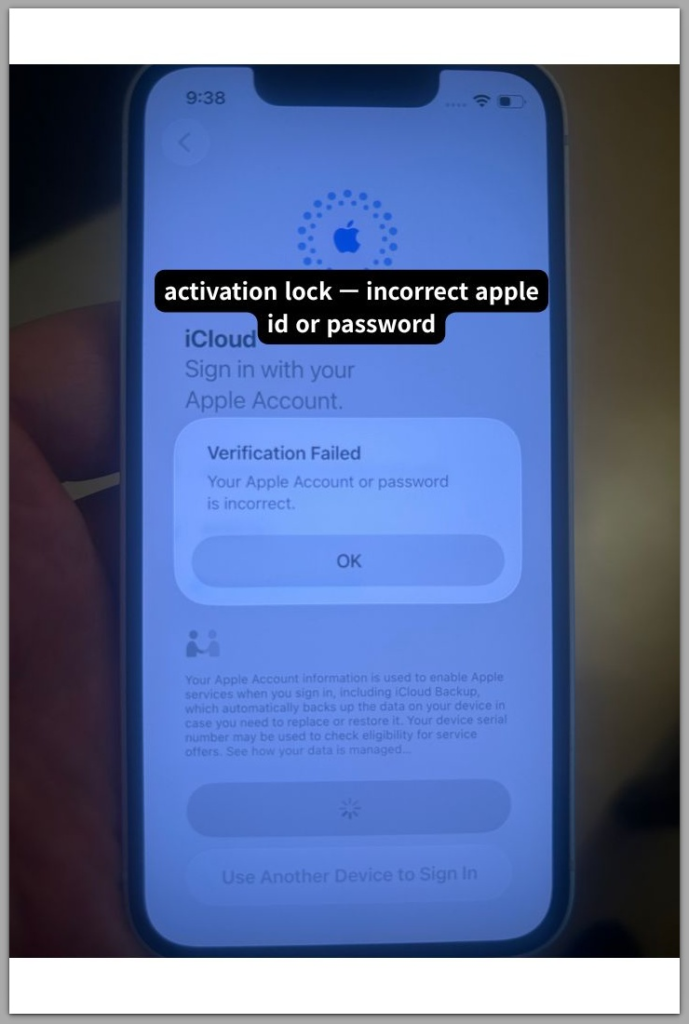
Start the device and proceed to the activation screen.
Enter the Apple ID and password carefully, avoiding autofill errors or hidden characters.
Observe the precise wording displayed on the screen.
The message may state that the Apple ID or password is incorrect.
If the same message appears after deliberate re-entry, the iphone activation locked incorrect apple id or password state likely extends beyond simple input accuracy.
For that reason, repeated attempts do not change the ownership record stored on Apple’s server.
────────────────────────
Step 2: Verify Apple ID Status Independently
────────────────────────
Use a separate device and sign in at appleid.apple.com.
Successful login confirms that the credentials are valid and the account is accessible, even though the device still shows iphone activation locked incorrect apple id or password during activation.
If login fails, the account may be locked, disabled, or temporarily restricted.
Activation cannot proceed until the account regains normal status.
A valid password paired with a restricted account still results in rejection during activation.
────────────────────────
Step 3: Check Device Binding Through iCloud
────────────────────────
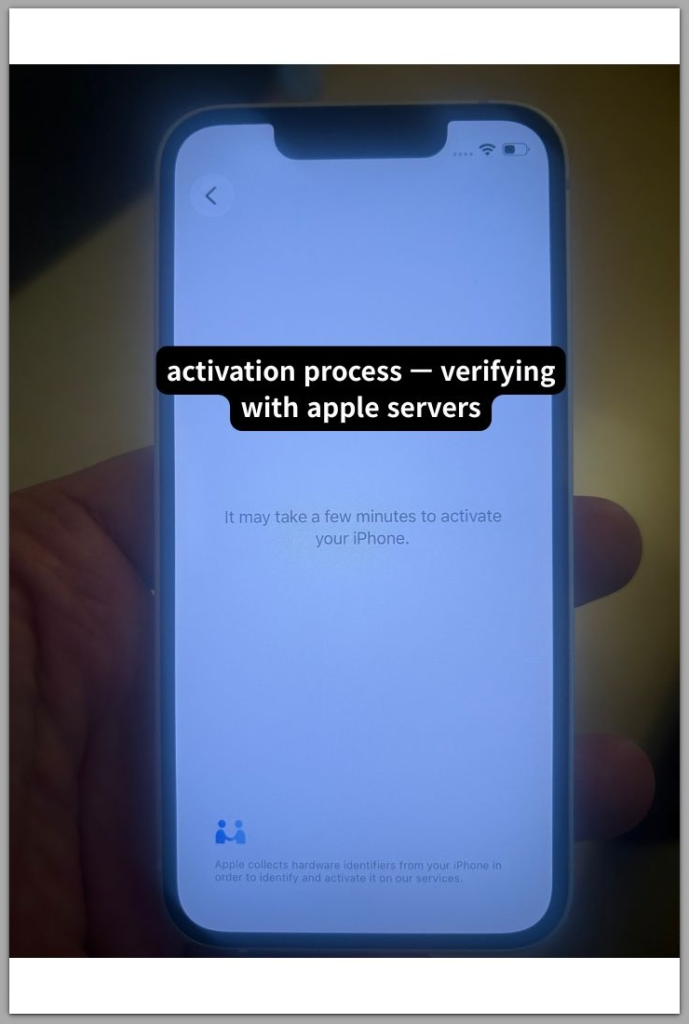
Sign in at icloud.com and open Find Devices.
Confirm whether the affected iPhone appears in the device list associated with the Apple ID.
If the device is absent from the account, the Apple ID entered during activation does not match the one originally linked to the device.
If the device appears but activation still fails, the server record may not reflect recent credential changes.
Device binding inconsistencies prevent credential validation from completing.
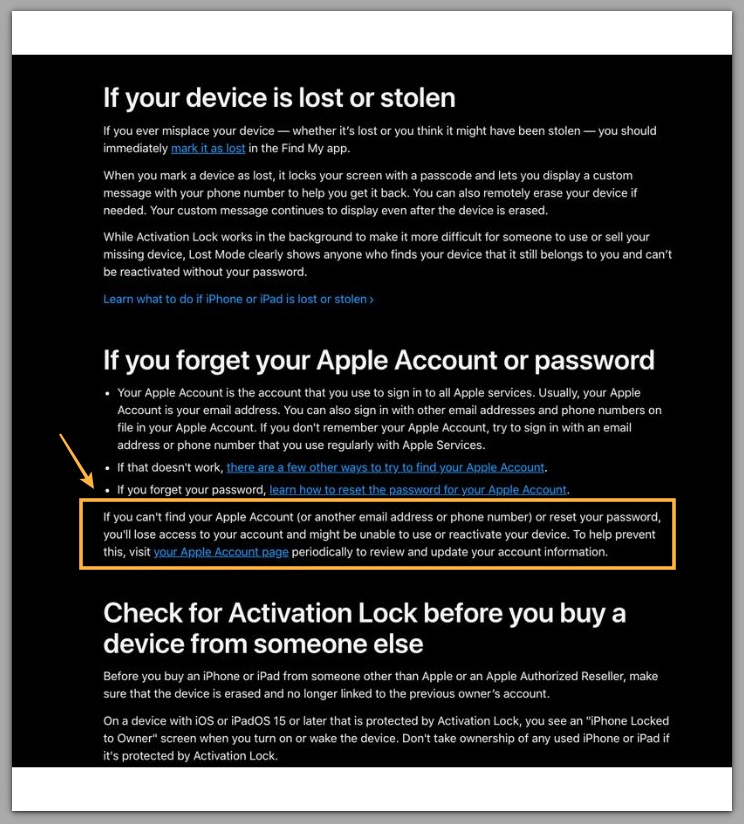
If you need further clarification about device binding, refer to Apple’s official Activation Lock documentation below.
────────────────────────
Troubleshooting: iphone activation locked incorrect apple id or password
────────────────────────
────────────────────────
Troubleshooting 1: Apple ID Does Not Match the Original Device Binding
────────────────────────
Activation Lock validates ownership based on the Apple ID originally associated with the device.
Successful login at appleid.apple.com confirms credential validity.
It does not confirm that the account matches the ownership record stored for that specific iPhone.
If the Apple ID entered during activation differs from the original account, Apple’s server triggers the iphone activation locked incorrect apple id or password state.
The system does not evaluate intent or password accuracy beyond that ownership boundary.
When the original Apple ID is unknown or inaccessible, user-level correction is no longer possible.
────────────────────────
Troubleshooting 2: Recent Password Change Has Not Fully Propagated
────────────────────────
Apple authentication and activation do not always update at the same moment.
A newly updated password may function correctly for web login.
Activation validation may still reference an earlier credential state.
This temporary inconsistency can produce an incorrect password message even when the account is accessible.
Activation validation may still reference a prior credential state until Apple’s internal systems complete synchronization.
Because of this delay, activation may still reject the updated password.
During this interval, repeated activation attempts do not override the stored validation state.
────────────────────────
Troubleshooting 3: Account Restriction or Security Lock
────────────────────────
Multiple failed login attempts or unusual account activity can trigger security restrictions.
An Apple ID under temporary lock may still appear partially accessible while activation requests remain blocked.
Activation only proceeds when the account is fully restored.
If the account is flagged, the restriction must be cleared through Apple’s account recovery process before activation can proceed.
Continued rapid password attempts extend the restriction period and do not improve validation outcomes.
────────────────────────
Troubleshooting 4: Device Was Erased Without Removing Apple ID
────────────────────────
A factory reset clears local data only.
It does not remove Activation Lock from Apple’s server.
If the device was erased without signing out of the original Apple ID, the ownership record remains active.
Entering a different Apple ID cannot replace the stored binding.
The original account must align with the device before activation can continue.
If the original Apple ID cannot be recovered, ownership verification may require direct support intervention.
────────────────────────
Additional Tips
────────────────────────
The iphone activation locked incorrect apple id or password message often triggers repeated password resets that do not resolve the underlying ownership mismatch.
Resetting the password multiple times rarely resolves a binding mismatch.
Instead of resetting passwords repeatedly, check three things first:
Account accessibility
Device presence inside iCloud
Original ownership consistency
Network stability also affects validation behavior.
Activation requires uninterrupted communication with Apple’s server.
Unstable Wi-Fi connections may interrupt validation requests and restart the process without clear explanation.
Ensuring a stable connection reduces unnecessary diagnostic confusion.
────────────────────────
Final Notes
────────────────────────
The iphone activation locked incorrect apple id or password message reflects a validation boundary rather than a simple input mistake.
The device does not independently judge correctness.
It depends entirely on Apple’s ownership record.
When the Apple ID, hardware identity, and stored ownership record do not align, activation stops.
In this situation, local repetition cannot override server validation.
────────────────────────
Checklist
────────────────────────
☐ Confirm Apple ID login works at appleid.apple.com
☐ Confirm the device appears in iCloud Find Devices
☐ Confirm the Apple ID matches the original account used on the device
☐ Avoid repeated rapid password attempts
☐ Ensure stable Wi-Fi during activation
Many users spend hours resetting passwords, only to discover later that the device was still linked to a different Apple ID from years ago.
────────────────────────
Extra Section 1
────────────────────────
Activation Lock operates as a persistent ownership verification system rather than a simple login checkpoint.
Find My registers the device hardware identifier to an Apple ID.
That association remains stored on Apple’s activation server even after the device is erased locally.
During activation, the device transmits its hardware identity to the server.
Validation succeeds only if the Apple ID entered corresponds to the stored ownership record.
I have seen cases where the password was absolutely correct, yet activation failed because the device had been signed in with a secondary Apple ID months earlier.
────────────────────────
Extra Section 2
────────────────────────
Activation Lock prioritizes ownership confirmation over convenience.
The system assumes that hardware identity is authoritative and evaluates credentials only within that ownership context.
If a device was sold, gifted, repaired, or reset without properly removing the original Apple ID, the activation boundary remains intact.
Under these conditions, an iphone activation locked incorrect apple id or password state no longer depends on password accuracy.
Instead, progress depends entirely on matching the original Apple ID to the stored hardware record.
Most people think they typed it wrong, but the problem is usually the old Apple ID still tied to the device.