
Introduction
────────────────────────
iPhone backup app data excluded refers to a completed backup state where the system intentionally leaves out specific app data, even though the backup itself finishes without errors or warnings.
At first glance, nothing appears wrong.
The backup completes normally.
As a result, storage usage looks consistent.
However, after restoring the backup, certain apps reopen empty.
For example, login states are missing.
In addition, local records do not return.
This behavior does not indicate a failed backup.
Likewise, it does not mean the restore process malfunctioned.
Instead, the system already applied the exclusion before restoration began.
Once this state appears, the backup cannot provide the missing app data.
At that stage, the system already enforces exclusion rules.
────────────────────────
Step-by-Step Guide : iphone backup app data excluded
────────────────────────
────────────────────────
Step 1: Confirm the backup completed successfully
────────────────────────
First, confirm that the backup finished without interruption.
The device shows a recent backup timestamp.
In addition, no error messages appear in iCloud or Finder.
As expected, the backup size aligns with previous backups.
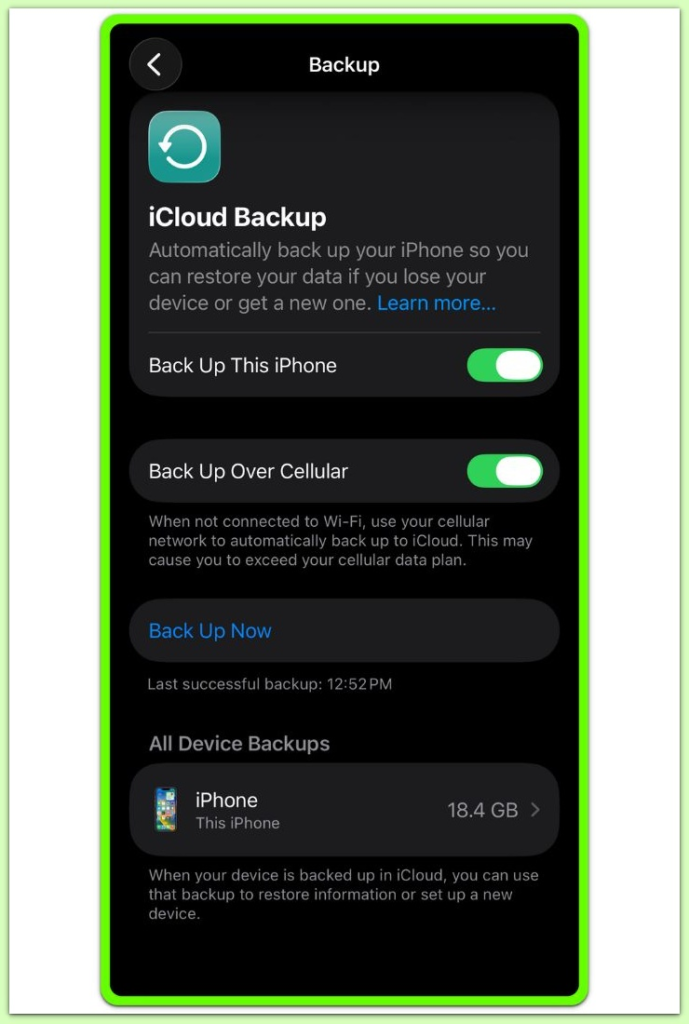
If the backup did not complete, this article does not apply.
Instead, this guide focuses on iphone backup app data excluded cases where the backup completes but never includes certain app data.
────────────────────────
Step 2: Identify which app data is missing
────────────────────────
Next, open the affected apps after restore.
Some apps reopen normally.
Others behave as if newly installed.
As a result, login prompts appear again.
This pattern does not occur randomly.
Instead, only certain categories of apps are affected.
Most commonly, apps that rely on local encrypted storage show this behavior.
────────────────────────
Step 3: Check whether the app supports iCloud backup
────────────────────────
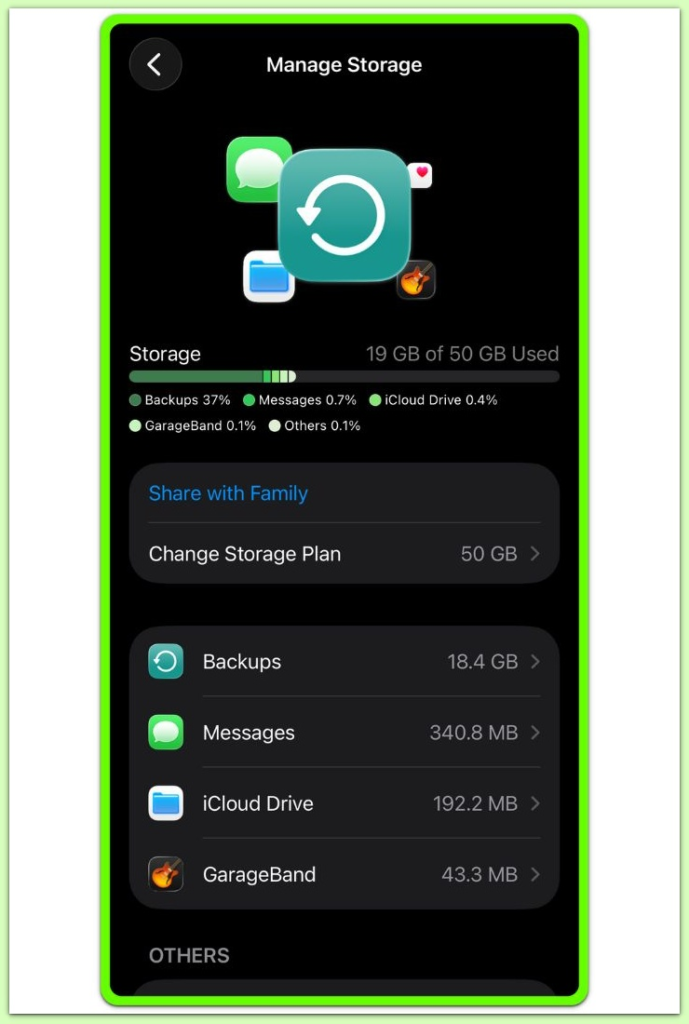
Not all apps allow their data to be backed up.
Some developers intentionally disable backup support.
Others store data inside protected containers.
Meanwhile, certain apps rely entirely on server-side sync.
If an app does not support backup, its data never appears after restore.
In iphone backup app data excluded situations, this behavior reflects an intentional design choice rather than a system failure.
────────────────────────
Step 4: Understand system-level exclusion rules
────────────────────────
Apple automatically enforces exclusion rules.
For example, the system may exclude highly sensitive data.
In some cases, health-related data requires additional authorization.
Likewise, keychain-linked data may not transfer between devices.
The system enforces these exclusions before creating the backup.
As a result, user settings cannot override them.
At this point, the restore process cannot access excluded data.
If further verification is required, this behavior is explained by how backup exclusions are handled at the system level.
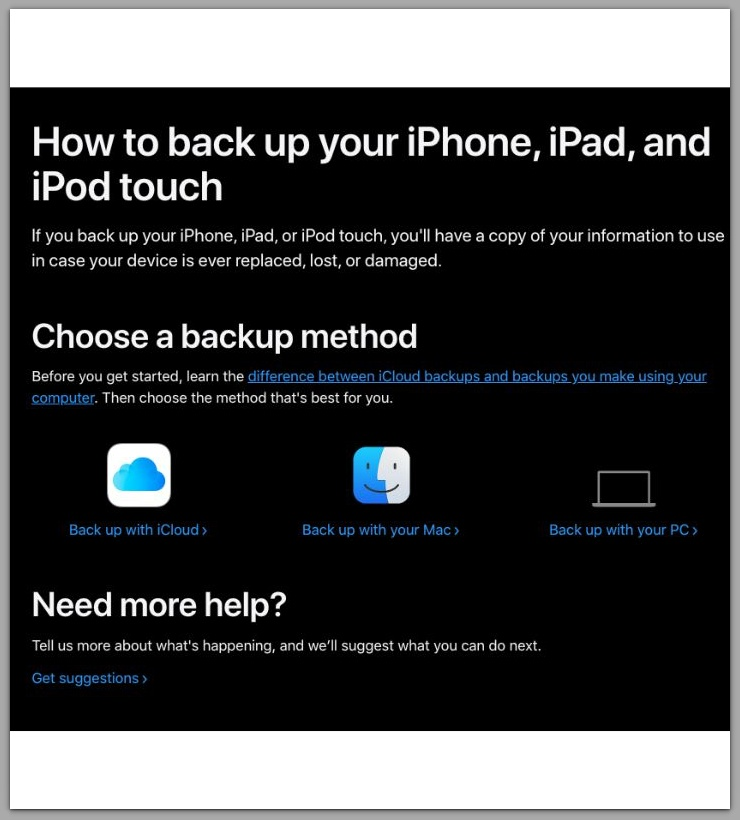
Apple’s backup system behavior and exclusion rules are documented in detail here.
────────────────────────
Troubleshooting
────────────────────────
────────────────────────
Backup completed, but some apps reset after restore
────────────────────────
When only specific apps reopen empty, the backup itself usually is not the issue.
In iphone backup app data excluded cases, a completed backup only confirms that the system created the archive.
However, it does not guarantee that every app contributed usable local data.
Some apps store information in locations that the system explicitly excludes from backup.
Others tie their data to device-specific encryption keys.
In those cases, a hardware change breaks the link even though the backup finishes cleanly.
Restore can only unpack what already exists inside the archive.
Therefore, the system cannot reconstruct anything excluded earlier.
────────────────────────
Data exists on the old device but not on the new one
────────────────────────
This gap often appears when an app relies on local storage without server sync.
On the original device, the local database remains intact.
After restore, however, the new device has no reference to that database.
If the app supports manual export, complete that step before wiping the old phone.
For account-based apps, verify sync inside the app itself rather than in system settings.
Once the old device is erased, locally stored data reaches a hard stop.
────────────────────────
iCloud Drive is enabled, yet app data does not return
────────────────────────
iCloud Drive and iCloud Backup serve different purposes.
Enabling iCloud Drive does not force an app’s internal records into a backup.
In practice, many apps use iCloud Drive only for files, not databases.
Additionally, some apps avoid iCloud entirely by design.
Because of this separation, iCloud Drive may function normally while restored apps still open blank.
This behavior is expected, not a malfunction.
────────────────────────
Keychain items or sign-ins did not restore as expected
────────────────────────
Credential behavior depends heavily on how each app handles security.
During device-to-device restores, authentication tokens may become invalid.
As a result, two-factor prompts often appear while the system rebuilds trust.
In addition, apps using independent key storage may ignore restored keychain data.
When re-login restores partial content, the app typically relies on server sync.
When nothing returns after login, the app most likely uses a local-first model.
This distinction matters when deciding whether recovery remains possible.
────────────────────────
Repeating the restore produced the same result
────────────────────────
Running the same restore again does not change inclusion rules.
If the system excluded data during backup creation, every restore from that backup behaves the same way.
Therefore, no number of retries alters that boundary.
At this point, restore-based recovery has reached its limit.
────────────────────────
Additional Tips
────────────────────────
Backup behavior can change over time.
Because of this, iphone backup app data excluded outcomes may differ between updates.
For instance, app updates may alter storage locations.
In addition, permission changes can affect what the system includes.
Encryption settings also influence portability between devices.
Before resetting a device, identify apps that rely on local-only storage.
For critical data, manual export often provides the only safe option.
Understanding these limits early prevents false expectations during restore.
────────────────────────
Final Notes
────────────────────────
In iphone backup app data excluded cases, the exclusion occurs earlier, at the backup stage.
At that point, the system finalizes the decision and does not allow restore attempts or user actions to change it.
Recognizing this boundary helps avoid unnecessary troubleshooting.
────────────────────────
Checklist
────────────────────────
☐ Verify the backup completed successfully
☐ Identify which apps reopened empty
☐ Check whether those apps support backup
☐ Distinguish local data from server-synced data
☐ Avoid repeated restores expecting different results
Missing app data after restore usually signals a system-level limit, not user error.
────────────────────────
Extra Section 1
────────────────────────
System-level exclusions explain why iphone backup app data excluded results appear when sensitive information is involved.
Financial records, authentication tokens, and health data often follow stricter rules.
In some cases, data remains bound to the original hardware.
In others, the system intentionally excludes data to reduce security risk.
These choices prioritize protection over convenience.
As a result, backups function as filtered archives rather than exact replicas.
Knowing this distinction helps set realistic expectations before migration.
────────────────────────
Extra Section 2
────────────────────────
Planning a device change requires understanding what backups cannot do.
Not every app participates fully in backup.
Some data requires manual preparation.
Other data depends entirely on re-authentication after restore.
This boundary remains fixed.
No setting can force inclusion once the system excludes the data.
Clear awareness of this limit prevents confusion and reduces data loss during future restores.